
Key facts
- Brand
- Panasonic
- Model
- AJ-PCS060G
- Documents
- 3
- Languages
- EN
- Last added
- 2026-10-08
Start here
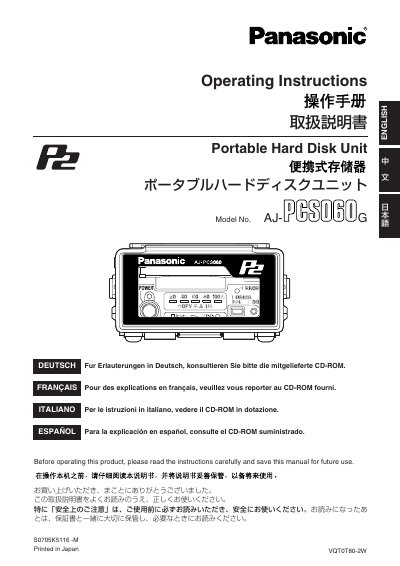
Panasonic AJ-PCS060G Portable Hard Disk Unit Operating Instructions
This manual covers safety precautions, proper handling, and environmental requirements for the Panasonic AJ-PCS060G portable hard disk unit. It explains shock‑resistance features, battery handling, and disposal instructions to ensure reliable operation.
The guide also details how to connect the unit to a computer via USB 2.0, use the optional battery packs and AC adapter, manage P2 cards, and perform maintenance tasks such as cleaning, formatting, and troubleshooting common issues.
Panasonic AJ-PCS060G specifications
| Hard disk capacity | 60 GB |
|---|---|
| Interface | USB 2.0 Type B |
| Battery pack options | CGR‑D16 (1,600 mAh) / CGA‑D54 (5,400 mAh) |
| AC adapter model | AG‑B15 |
| Shock resistance | Acceleration sensor with impact‑absorbing material |
Source: Panasonic AJ-PCS060G Portable Hard Disk Unit Operating Instructions
All Panasonic AJ-PCS060G documents by type
Day-to-day operation, settings and troubleshooting. Start here if the product is already set up.
Questions answered in these manuals
How does the unit protect the hard disk from impact?
If a disk operation is in progress when the unit is hit, the hard‑drive head is automatically parked to protect the disk.
From: Panasonic AJ-PCS060G Portable Hard Disk Unit Operating Instructions
How should I clean the unit?
Never use solvents; clean with a clean, soft dry cloth after removing the battery pack or unplugging the AC adapter.
From: Panasonic AJ-PCS060G Portable Hard Disk Unit Operating Instructions
What accessories are included with the unit?
The package contains an install manual, a ferrite core, and a CD‑ROM with drivers and the P2Store Manager software.
From: Panasonic AJ-PCS060G Portable Hard Disk Unit Operating Instructions
What should I do if the unit is near a strong magnetic field?
Move the source of the magnetic fields away from the unit to avoid noise in video and audio signals.
From: Panasonic AJ-PCS060G Portable Hard Disk Unit Operating Instructions