
Key facts
Start here
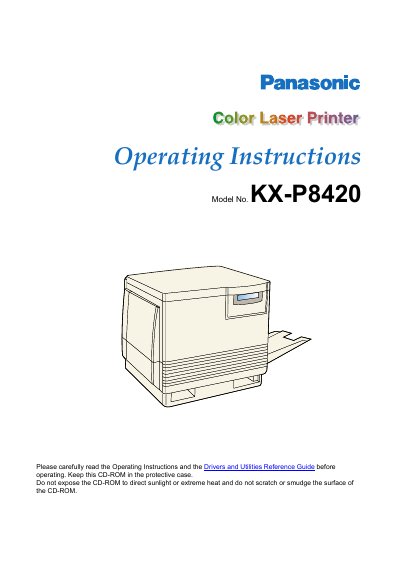
Panasonic KX-8420 guide
This document provides operating instructions for the Panasonic KX-P8420 Color Laser Printer. It includes information on safety precautions, installation steps, and basic operational guidelines to help users effectively utilize the device.
The manual also covers driver installation, utility usage, and troubleshooting common issues. Additionally, it details maintenance requirements and specifications relevant to the printer's performance and energy efficiency.
All Panasonic KX-P8420 documents by type
Day-to-day operation, settings and troubleshooting. Start here if the product is already set up.
Questions answered in these manuals
What precautions should be taken when storing the CD-ROM?
Do not expose the CD-ROM to direct sunlight or extreme heat and do not scratch or smudge the surface.
From: Panasonic KX-8420 guide
What is the warranty period for the software?
The software is warranted for a period of ninety (90) days from the date of delivery.
From: Panasonic KX-8420 guide
What is the default paper size setting in the Printer Properties dialog box?
The default paper size is set to Letter, which measures 6.50x 11.00 in.
From: Panasonic 8420REF guide
What minimum memory is required for features indicated by the specific icon?
Features marked with this icon require a minimum of 32 MB of SDRAM.
From: Panasonic 8420REF guide
What is the model number of this printer?
The model number for this unit is KX-P8420.
From: Panasonic KX-P8420 Color Laser Printer Operating Instructions
How long does the limited warranty last?
Electronics for Imaging warrants the software without significant errors for a period of ninety days from delivery.
From: Panasonic KX-P8420 Color Laser Printer Operating Instructions