
Key facts
Start here
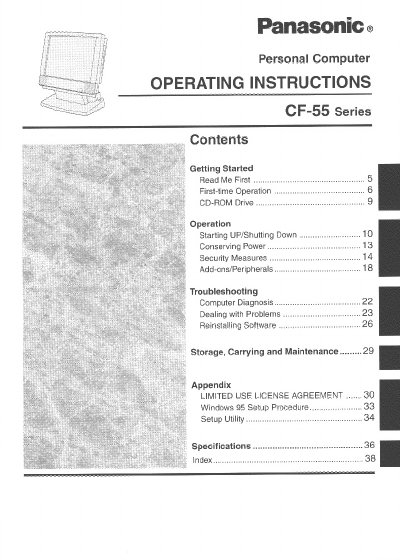
Panasonic CF55F5F4AM Manual
This document provides operating instructions for the Panasonic CF-55 series personal computer. It includes important safety information regarding laser radiation from the CD drive and electrical hazards associated with the mains plug and lithium battery.
The manual details specific precautions for using the computer, such as avoiding extreme temperatures, humidity, dust, and magnetic fields. It also provides guidance on cable usage and proper disposal of components.
Panasonic CF-55 specifications
| Operating Temperature | 5 °C to 35 °C (41 °F to 95 °F) |
|---|---|
| Storage Temperature | -20 °C to 60°C (-4 °F to 140 °F) |
| Power Fuse Rating | 3 amps |
Source: Panasonic CF55M5M8AM Manual
All Panasonic CF-55 documents by type
Day-to-day operation, settings and troubleshooting. Start here if the product is already set up.
Questions answered in these manuals
What are the recommended operating and storage temperature ranges for this computer?
The computer should be operated between 5 °C to 35 °C (41 °F to 95 °F) and stored between -20 °C to 60 °C (-4 °F to 140 °F).
What is the maximum recommended length for an interface cable connected to this computer?
It is not recommended to use an interface cable longer than 3 m (9.84 feet).
What is the recommended operating temperature range?
The computer should be operated between 5 °C and 35 °C (41 °F to 95 °F).
Can I replace the lithium battery myself?
No, the lithium battery should only be exchanged by service personnel.