
Key facts
- Brand
- Panasonic
- Model
- WV-NS954
- Documents
- 2
- Languages
- EN
- Last added
- 2012-08-08
Start here
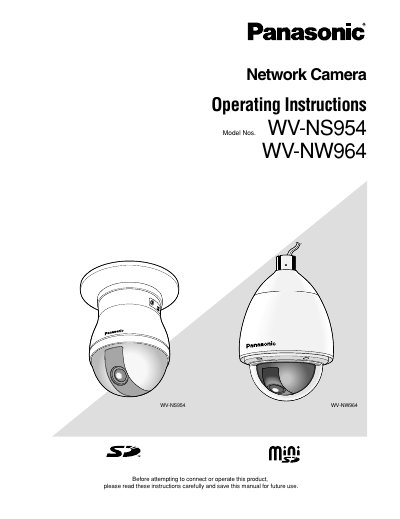
Panasonic WVNS954 WVNS964 Manual
User Manual 21 pages · 1.4 MB · EN
This manual provides operating instructions for the Panasonic WV-NS954 (indoor) and WV-NW964 (outdoor) network cameras. It details how to monitor images on a PC using web browsers and viewer software like Network Camera View3. The guide explains accessing the camera via IP address, handling user authentication with default credentials, and managing image display settings such as JPEG or MPEG-4 formats.
Read onlinePanasonic WV-NS954 specifications
| Supported SD Card Type | Mini SD |
|---|---|
| Maximum Simultaneous Users | 8 |
| JPEG Streaming Frame Rate (VGA) | 5 fps |
| JPEG Streaming Frame Rate (QVGA) | 10 fps |
| MPEG‑4 Maximum Frame Rate | 15 fps |
| Default HTTP Port | 80 |
| Default Login | admin / 12345 |
All Panasonic WV-NS954 documents by type
User Manual 2
Day-to-day operation, settings and troubleshooting. Start here if the product is already set up.
Questions answered in these manuals
What software is required to view images on a PC?
The viewer software 'Network camera View3' must be installed on the PC.
What is the default user name for accessing the camera?
The default user name is admin.
How many users can connect simultaneously?
Up to eight users can connect to the camera at the same time.
What are the default login credentials?
The default username is admin and the default password is 12345.