
Key facts
- Brand
- Panasonic
- Model
- UB-5310
- Documents
- 2
- Languages
- EN
- Last added
- 2012-08-08
Start here
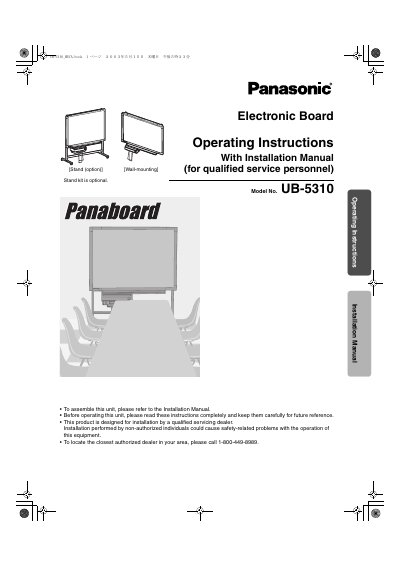
Panasonic UB-5310 Electronic Board Operating Instructions
This document provides operating instructions and an installation manual for the Panasonic UB-5310 Electronic Board. It details safety precautions, part names, and procedures for loading copy paper, making copies of various types, and handling paper jams.
The guide also covers computer interfacing, including system requirements and software installation via CD-ROM, as well as scanning operations. Additionally, it includes sections on daily care, maintenance tasks like cleaning the printer head, and troubleshooting error codes.
Panasonic UB-5310 specifications
| Operating Systems | Windows 98, Me, 2000, XP |
|---|---|
| Interface | USB 1.1 (B connector) |
| Memory Requirement | 64 MB or more (Windows 98/Me), 128 MB or more (Windows 2000) |
| Hard Disk Space | At least 40 MB free space |
| Panel Dimensions (UB-5315) | 900 mm X 1,275 mm |
| Power Consumption (AC 100-120V) | 1.40 A |
Source: Panasonic Panaboard UB-5315/UB-5815/UB-5310 Product Specifications and Features
All Panasonic UB-5310 documents by type
Day-to-day operation, settings and troubleshooting. Start here if the product is already set up.
Questions answered in these manuals
Is the stand included with the unit?
No, the stand is an optional accessory.
From: Panasonic UB-5310 Electronic Board Operating Instructions
Who should perform the installation?
Installation must be performed by a qualified servicing dealer.
From: Panasonic UB-5310 Electronic Board Operating Instructions
What writing implements are compatible with the Panaboard?
The device uses dry erase felt-tipped markers in black, red, and blue.
From: Panasonic Panaboard UB-5315/UB-5815/UB-5310 Product Specifications and Features
What file formats are supported for saving images?
Supported saving file formats include BMP, TIFF, PNG, and PDF.
From: Panasonic Panaboard UB-5315/UB-5815/UB-5310 Product Specifications and Features