
Key facts
Start here
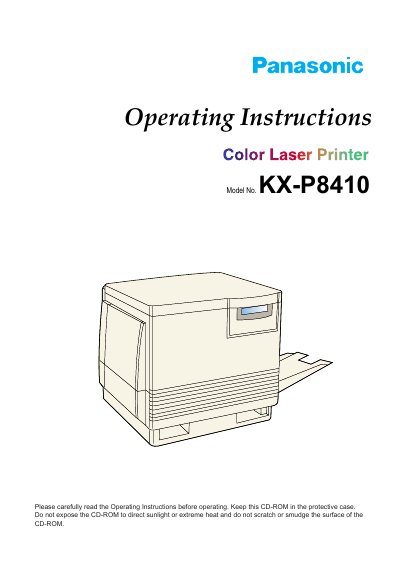
Panasonic KX-P8410 Color Laser Printer Operating Instructions
This document provides operating instructions for the Panasonic KX-P8410 Color Laser Printer. It includes safety guidelines, system requirements, and detailed steps for unpacking, setting up the printer, connecting it to a computer via parallel or SCSI interfaces, and installing the necessary software drivers for Windows 3.1, 95, and NT 4.0.
Read onlineAll Panasonic KX-P8410 documents by type
Day-to-day operation, settings and troubleshooting. Start here if the product is already set up.
Questions answered in these manuals
Where is the serial number located on the printer?
The serial number is located on the label on the rear of the unit.
What are the business hours for end user technical support?
End user technical support is operational during East Coast business hours from 9:00 AM to 7:00 PM.
Where is the serial number located on the printer?
The serial number is located on the label on the rear of the unit.
From: Panasonic KX-P8410 Color Laser Printer Operating Instructions
What is the operating hours for end user technical support?
The end user technical support telephone number is operational during East Coast business hours from 9:00 AM to 7:00 PM.
From: Panasonic KX-P8410 Color Laser Printer Operating Instructions