
Key facts
- Brand
- Panasonic
- Model
- AG-DV100
- Category
- Video Player
- Documents
- 2
- Languages
- EN
- Last added
- 2012-08-09
Start here
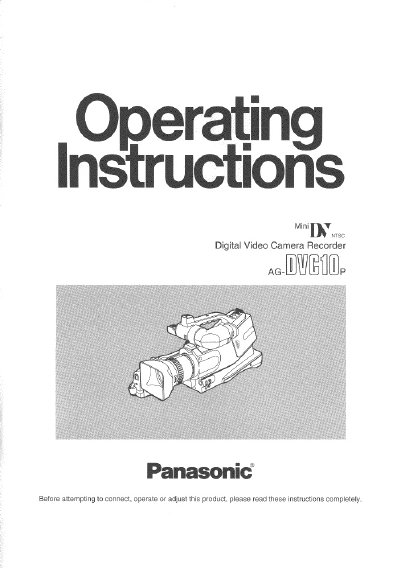
Panasonic AGDVC10P Manual
This document is the user manual for the Panasonic AG-DV100 Digital Video Camera Recorder. It details the standard accessories supplied with the unit, including the AC adapter, battery pack, and remote controller. The guide explains how to supply power from an AC outlet or battery and how to insert and use the cassette tapes.
Read onlineAll Panasonic AG-DV100 documents by type
Day-to-day operation, settings and troubleshooting. Start here if the product is already set up.
Questions answered in these manuals
What modes can this camera recorder use?
This Camera Recorder is designed to record and play back in Standard Play (SP) mode only.
Which type of cassette tapes are recommended for use?
It is recommended that only cassette tapes that have been tested and inspected for use in VCR machines with the 'IN' mark be used.
What happens if I hold down the STOP button?
The tape will be ejected when the STOP button is held down for 3 or more seconds.
From: Panasonic AG-DV1000 Digital Video Cassette Recorder User Manual
How long must I press PAUSE to start slow playback?
You must press the button for 2 seconds or more to initiate slow playback.
From: Panasonic AG-DV1000 Digital Video Cassette Recorder User Manual