
Key facts
- Brand
- Panasonic
- Model
- CF-VDW07
- Category
- Other Computer Accessories
- Documents
- 4
- Languages
- EN
- Last added
- 2012-08-08
Start here
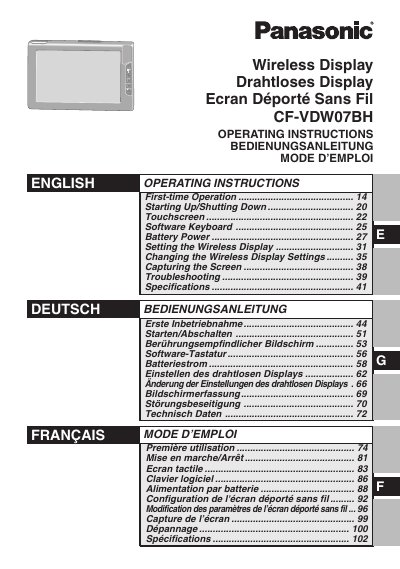
Panasonic CF-VDW07BH Wireless Display Operating Instructions
This document provides operating instructions for the Panasonic CF-VDW07BH Wireless Display. It covers first-time operation, starting up and shutting down, and using the touchscreen interface. The manual also details how to set up the wireless display, change settings, capture the screen, and manage battery power.
Read onlineAll Panasonic CF-VDW07 documents by type
Day-to-day operation, settings and troubleshooting. Start here if the product is already set up.
Questions answered in these manuals
Is this Wireless Display safe for use on airplanes?
Use of this product on board of airplanes may be restricted by the proprietor of the building or responsible representatives of the organization.
From: Panasonic CF-VDW07BH Wireless Display Operating Instructions
What steps should a user take if the Wireless Display causes harmful interference?
The user is encouraged to try to correct the interference by reorienting the receiving antenna, increasing separation, or connecting to a different circuit.
From: Panasonic CF-VDW07BH Wireless Display Operating Instructions
What type of device is the Panasonic CF-VDW07CH?
The Panasonic CF-VDW07CH is a wireless display.
What are the two conditions for operating this device under FCC Rules?
The device must not cause harmful interference and must accept any interference received.
What is the temperature range for charging the battery?
Recharging will not commence outside of the allowable temperature range of 0 °C to 45 °C (32°F to 113°F).
From: Panasonic CF-VDW07CRFM Wireless Display Operating Instructions
What happens if I short the battery pack contacts?
You should not short the positive and negative contacts as it may cause damage or overheating.
From: Panasonic CF-VDW07CRFM Wireless Display Operating Instructions