
Key facts
- Brand
- Panasonic
- Model
- UF-885
- Documents
- 2
- Languages
- EN
- Last added
- 2012-08-08
Start here
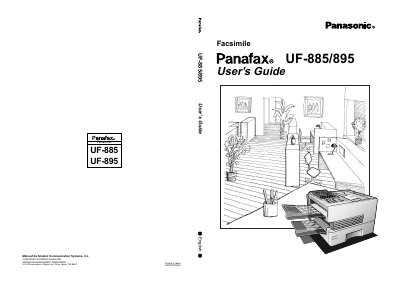
Panasonic UF-885/895 Facsimile User's Guide
The Panasonic UF-885/895 is a multifunctional facsimile machine designed for efficient document transmission. This manual provides comprehensive instructions on getting to know the machine, including safety information and an overview of the control panel and external view.
The guide details the installation process, such as loading recording paper and connecting cables, followed by extensive programming options like setting user parameters, one-touch dialing, and password communications. It also covers basic operations for sending and receiving documents, making copies, and utilizing advanced features such as batch transmission and network capabilities.
Panasonic UF-885 specifications
| Modem Speed | 33600 - 2400 bps |
|---|---|
| Document Size Max. | 11.0 x 78.7 in (280 x 2000 mm) |
| ADF Capacity | up to 50 pages |
| Printer Resolution | 600 x 600 dpi (with D-RAM Card) |
All Panasonic UF-885 documents by type
Day-to-day operation, settings and troubleshooting. Start here if the product is already set up.
Questions answered in these manuals
What are the supported paper sizes?
The machine supports Letter, A4, or Legal paper sizes.
How many pages can be loaded in the Automatic Document Feeder?
The built-in Automatic Document Feeder can hold up to 50 pages.
Which Panasonic facsimile units are supported by this printing system?
The Panafax Printing System Ver. 5e/6 allows the Panafax facsimile unit (UF-885/895) to be used as a Page Description Language printer.
What hardware option is required on the fax machine to use this system?
The Printer Interface Option must be installed on the Panafax Facsimile unit.