
Key facts
- Brand
- Omron
- Model
- HEM-7300
- Category
- Home medical equipment
- Industry
- Health
- Documents
- 2
- Languages
- ZH
- Last added
- 2012-04-12
Start here
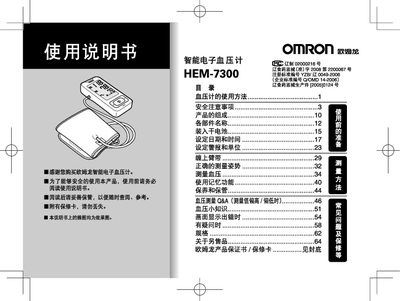
Omron HEM-7300 Intelligent Sphygmomanometer User Manual
This manual provides step‑by‑step instructions for using the Omron HEM‑7300 intelligent sphygmomanometer, including preparation, correct cuff placement, measurement posture, and how to read results. It also covers setting the date, time, and alarm, as well as switching between mmHg and kPa units.
Safety guidelines are detailed, covering cuff pressure limits, battery handling, and the use of the dedicated AC power supply. Warranty terms and contact information for Omron service centers are provided at the end of the document. This manual is written in Chinese.
Omron HEM-7300 specifications
| Maximum cuff pressure | 300 mmHg (40 kPa) |
|---|---|
| Measurement units | mmHg or kPa |
| Battery type | 7号 alkaline dry cell (4 pcs) |
| Warranty period | 1 year |
| Stored measurements | Automatic storage of results, up to 90 sets |
| Display features | Shows average value and up to 90 measurement sets |
All Omron HEM-7300 documents by type
Day-to-day operation, settings and troubleshooting. Start here if the product is already set up.
Questions answered in these manuals
How do I set the date and time on the HEM‑7300?
Use the menu option “设定日期和时间” to enter the current date and time before taking measurements.
From: Omron HEM-7300 Intelligent Sphygmomanometer User Manual
Can I set an alarm for blood pressure measurements?
Yes, you can pre‑set an alarm to remind you to take measurements; the alarm is not set by default.
From: Omron HEM-7300 Intelligent Sphygmomanometer User Manual
How do I set the date and time on the HEM‑7300?
Before using the device, access the settings menu and select the option to set the date and time.
What is the maximum cuff pressure allowed?
The cuff pressure should not exceed 300 mmHg (40 kPa).