
Key facts
- Brand
- Omron
- Model
- HJ-112
- Category
- Other device
- Industry
- Automotive
- Documents
- 2
- Languages
- EN
- Last added
- 2012-05-08
Start here
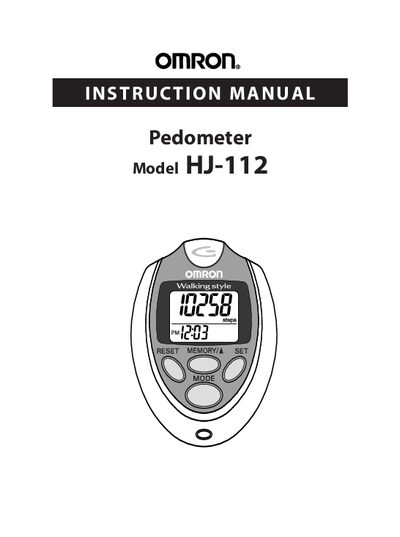
Omron HJ-112 Pedometer Instruction Manual
The manual introduces the Omron HJ-112 pedometer, lists its components (pedometer, screwdriver, strap clip, CR2032 battery) and provides safety guidelines for handling the device and battery.
It explains how to operate the unit—setting time, weight, stride length, using the aerobic step and calorie displays, memory functions, and system reset—plus instructions for battery installation, maintenance, troubleshooting, and warranty information.
Omron HJ-112 specifications
| Battery type | CR2032 |
|---|---|
| Display information | steps, aerobic steps, calories, distance |
| Memory capacity | 7 days of data |
All Omron HJ-112 documents by type
Day-to-day operation, settings and troubleshooting. Start here if the product is already set up.
Questions answered in these manuals
How do I replace the battery in the Omron HJ-112 pedometer?
Remove the screw on the battery cover, open the cover, insert a CR2032 battery with the positive side up, and close the cover.
What conditions are required for the aerobic step function?
You must walk faster than 60 steps per minute for at least 10 continuous minutes.
How can I reset the pedometer data?
Press the RESET button for more than 1.5 seconds to reset today’s data, or use the SYSTEM RESET button to delete all stored memory data.
What is the step counting range of the HJ‑112?
The device can count from 0 up to 99,999 steps.