
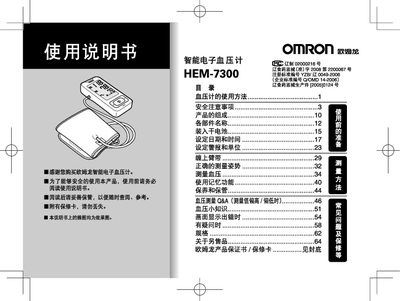
This manual provides step‑by‑step instructions for using the Omron HEM‑7300 intelligent sphygmomanometer, including preparation, correct cuff placement, measurement posture, and how to read results. It also covers setting the date, time, and alarm, as well as switching between mmHg and kPa units.
Safety guidelines are detailed, covering cuff pressure limits, battery handling, and the use of the dedicated AC power supply. Warranty terms and contact information for Omron service centers are provided at the end of the document. This manual is written in Chinese.
| Maximum cuff pressure | 300 mmHg (40 kPa) |
|---|---|
| Supported pressure units | mmHg and kPa |
Use the menu option “设定日期和时间” to enter the current date and time before taking measurements.
Yes, you can pre‑set an alarm to remind you to take measurements; the alarm is not set by default.
Select the unit conversion option in the menu; the device will switch between mmHg and kPa.