
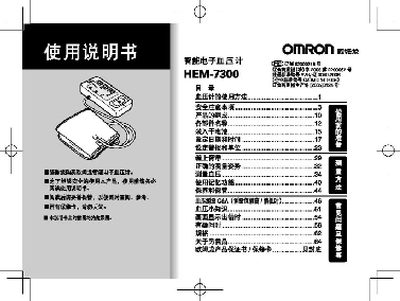
This manual explains how to operate the Omron HEM-7300 sphygmomanometer, including setting the date and time, selecting measurement units, and storing results. It also covers proper measurement posture and how to use the built‑in alarm function.
Safety information covers cuff pressure limits, battery handling, and the use of the optional AC stabilised power supply. Warranty details and contact information for Omron China are provided at the end of the document. This manual is written in Chinese.
| Maximum cuff pressure | 300 mmHg (40 kPa) |
|---|---|
| Measurement units | mmHg or kPa |
| Battery type | 7号 alkaline dry cell (4 pcs) |
| Warranty period | 1 year |
| Stored measurements | Automatic storage of results, up to 90 sets |
| Display features | Shows average value and up to 90 measurement sets |
Before using the device, access the settings menu and select the option to set the date and time.
The cuff pressure should not exceed 300 mmHg (40 kPa).
Use four 7号 alkaline dry cells as specified in the manual.
Select the unit switching option in the menu to change the display between mmHg and kPa.