
Key facts
- Brand
- Omron
- Model
- MC-341
- Category
- Home medical equipment
- Industry
- Health
- Documents
- 2
- Languages
- ZH
- Last added
- 2012-04-12
Start here
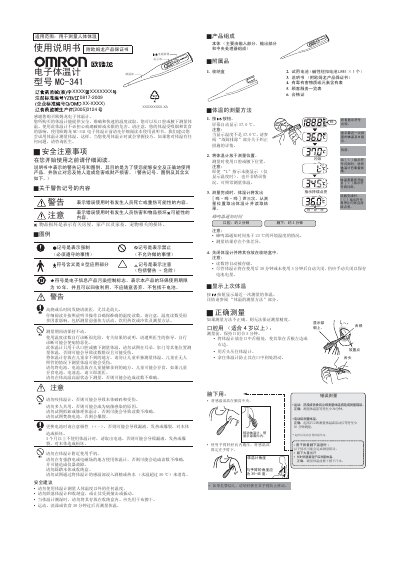
Omron MC-341 Electronic Thermometer User Manual
This manual explains the proper use of the Omron MC-341 electronic thermometer, including measurement methods for oral and axillary temperature, safety warnings, and care instructions. It also details how to replace the LR41 battery and how to store the device safely.
The document includes technical specifications such as measurement range, accuracy, dimensions, weight, and environmental limits, as well as service network phone numbers and warranty information for users in China. This manual is written in Chinese.
Omron MC-341 specifications
| Model | MC-341 |
|---|---|
| Sensor type | Thermistor |
| Battery type | LR41 alkaline button cell |
| Battery life | ≈3 measurements per charge |
| Weight | ≈11 g (incl. battery) |
All Omron MC-341 documents by type
Day-to-day operation, settings and troubleshooting. Start here if the product is already set up.
Questions answered in these manuals
How do I replace the battery in the MC-341 thermometer?
Open the battery compartment with a coin, remove the old LR41 cell, and insert a new LR41 with the '+' side facing up.
What measurement positions are supported by the MC-341?
The thermometer can be used for oral, axillary, or rectal temperature measurement as described in the manual.