
Key facts
- Brand
- Omron
- Model
- HEM-7301-IT
- Category
- Home medical equipment
- Industry
- Health
- Documents
- 2
- Languages
- ZH
- Last added
- 2012-03-16
Start here
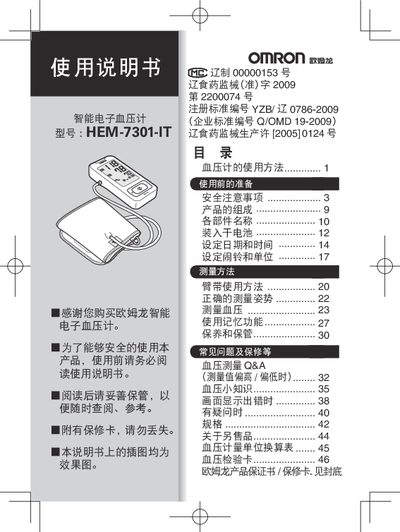
Omron HEM-7301-IT Intelligent Electronic Sphygmomanometer User Manual
This manual thanks you for purchasing the Omron HEM-7301-IT intelligent electronic sphygmomanometer and explains how to safely operate the device. It covers safety precautions, product components, battery installation, date/time and alarm settings, cuff usage, proper measurement posture, blood‑pressure measurement, memory functions, and maintenance.
The document also includes a detailed specifications table, conversion charts, troubleshooting tips, and information on optional accessories such as additional cuffs. Contact details for Omron health service centers are provided for warranty and support. This manual is written in Chinese.
Omron HEM-7301-IT specifications
| Display type | LCD digital display |
|---|---|
| Pressure range | 0 ~ 299 mmHg (0 ~ 39.9 kPa) |
| Pulse range | 40 ~ 180 beats/min |
| Pressure accuracy | ± 3 mmHg (±0.4 kPa) |
| Power source | 4 × AA alkaline batteries (7‑size) or dedicated AC‑220V power supply |
| Operating temperature / humidity | +5 °C ~ +40 °C, 15 % RH ~ 85 % RH |
| Dimensions (W×H×D) | 74 mm × 157 mm × 34 mm |
| Weight | ≈ 270 g (without batteries) |
Source: Omron HEM-7301-IT Intelligent Electronic Sphygmomanometer User Manual
All Omron HEM-7301-IT documents by type
Day-to-day operation, settings and troubleshooting. Start here if the product is already set up.
Questions answered in these manuals
What type of batteries does the HEM‑7301‑IT use?
It uses four 7‑size alkaline dry cells (AA batteries).
From: Omron HEM-7301-IT Intelligent Electronic Sphygmomanometer User Manual
How do I set the date and time on the device?
Select the date‑and‑time setting function; the sphygmomanometer will then store measurement results together with the date and time automatically.
From: Omron HEM-7301-IT Intelligent Electronic Sphygmomanometer User Manual