
Key facts
Start here
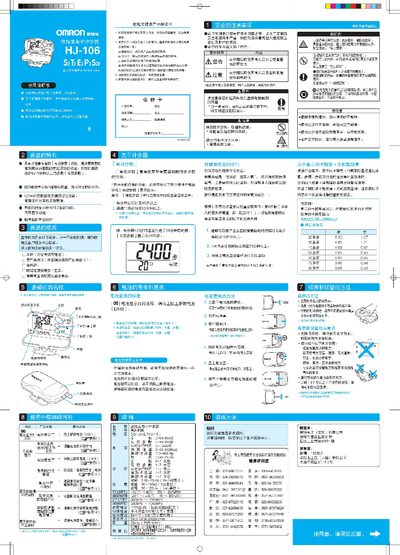
Omron HJ-106 Pedometer User Manual
This manual explains the features of the Omron HJ-106 pedometer, including its effective step counting, calorie display, and health‑related functions. It also lists the items included in the package and gives safety warnings.
Detailed instructions cover wearing the device, setting time, weight and stride, adjusting sensitivity, replacing the LR43 battery, and accessing up to seven days of recorded data. Maintenance tips and troubleshooting guidance are provided as well. This manual is written in Chinese.
Omron HJ-106 specifications
| Battery type | LR43 |
|---|---|
| Power supply | DC 1.5 V (LR43/1个) |
| Step detection threshold | ≥60 steps/min and ≥10 min continuous walking |
| Step detection duration | ≥10 min continuous walking |
All Omron HJ-106 documents by type
Day-to-day operation, settings and troubleshooting. Start here if the product is already set up.
Questions answered in these manuals
How do I replace the battery?
Open the battery cover, remove the screw with a Phillips screwdriver, take out the old LR43 cell and insert a new LR43 battery with the correct polarity.
What defines an "effective step"?
A step is counted as effective only when you walk at least 60 steps per minute and continue walking for at least 10 minutes without interruption.