
Key facts
- Brand
- Brother
- Model
- DCP-130C
- Category
- All-in-one printer
- Industry
- Computers
- Documents
- 4
- Languages
- PT · ZH · DE
- Last added
- 2012-05-08
Start here
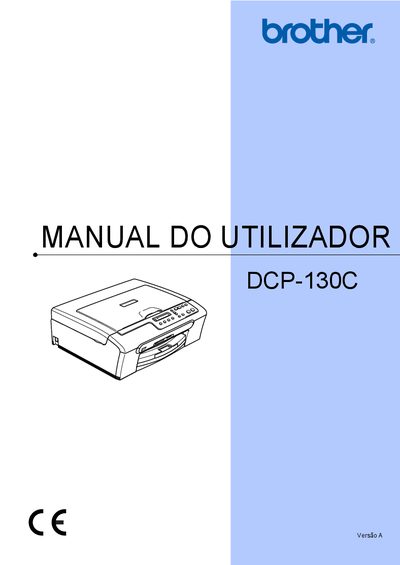
Brother DCP-130C User Manual
This manual covers all aspects of using the Brother DCP-130C multifunction copier‑printer, including safety information, registration, loading paper, copying, and printing photos directly from memory cards or via PictBridge. It also explains the software functions and provides detailed troubleshooting steps.
Additional sections describe routine maintenance tasks such as cartridge replacement, cleaning the scanner and print head, and how to access the device’s serial number for warranty registration. The CE Declaration confirms compliance with relevant EU directives. This manual is written in Portuguese.
Brother DCP-130C specifications
| Memory | 16 MB |
|---|---|
| Paper Capacity | Up to 100 sheets A4 (80 g/m²) |
| Power Supply | 220‑240 V, 50/60 Hz |
| Dimensions (W × D × H) | 398 mm × 150 mm × 360 mm |
| Weight | 7.1 kg |
| Noise Level (operating) | ≤ 50 dB |
Source: Brother DCP-130C User Manual
All Brother DCP-130C documents by type
Day-to-day operation, settings and troubleshooting. Start here if the product is already set up.
Questions answered in these manuals
How can I register my Brother DCP-130C?
Register the product online at http://www.brother.com/registration/.
Can I use non‑Brother ink cartridges?
Brother recommends using original Brother ink cartridges; using other brands is not recommended and any damage caused is not covered under warranty.
How do I change the ink cartridge?
See the "更换墨盒" section on page 55 for step‑by‑step instructions on replacing the ink cartridge.
How can I register my Brother DCP-130C device?
You can register the device online at http://www.brother.com/registration/ as described in the manual.
What is the paper capacity of the DCP-130C?
The printer can hold up to 100 sheets of A4 paper (80 g/m²).
How many sheets of paper can the DCP-130C hold?
The paper tray can hold up to 100 sheets.