
This document is the user manual for the DCP-130C printer, which includes purchasing information, registration methods, and instructions for use.
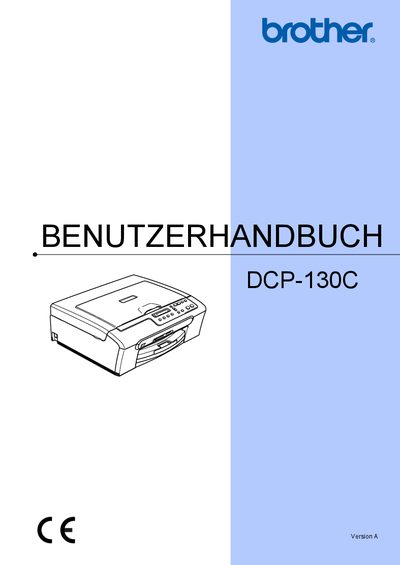
This manual explains how to install, configure, and use the Brother DCP-130C multifunction device. It covers loading paper and ink cartridges, copying, printing directly from memory cards, and using the optional PictBridge feature.
Additional sections describe safety guidelines, troubleshooting steps, menu navigation, and detailed technical data such as memory size, power consumption, and dimensions. The document also includes registration information and contact details for Brother support in Germany, Austria, and Switzerland. This manual is written in German.
| Memory | 16 MB |
|---|---|
| Paper Capacity | Up to 100 sheets A4 (80 g/m²) |
| Power Supply | 220‑240 V, 50/60 Hz |
| Dimensions (W × D × H) | 398 mm × 150 mm × 360 mm |
| Weight | 7.1 kg |
| Noise Level (operating) | ≤ 50 dB |
You can register the device online at http://www.brother.com/registration/ as described in the manual.
The printer can hold up to 100 sheets of A4 paper (80 g/m²).
It is equipped with 16 MB of internal memory.