
Key facts
- Brand
- Brother
- Model
- HL-5050
- Category
- All-in-one printer
- Industry
- Computers
- Documents
- 2
- Languages
- EN
- Last added
- 2012-05-08
Start here
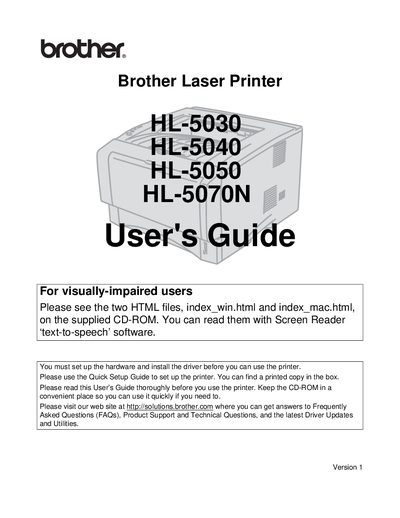
Brother HL-5030/HL-5040/HL-5050/HL-5070N Laser Printer User Guide
This guide explains how to set up the Brother HL series laser printers, including hardware installation, driver installation, and basic operation. Safety warnings, cautions, and cleaning instructions are included to help prevent injury and damage to the printer.
The manual also covers warranty registration, service center contacts, FCC compliance, and where to find driver updates, FAQs, and accessories. Additional resources such as the Brother Solutions Center and online support are referenced for further assistance.
Brother HL-5050 specifications
| Maximum radiation power | 5 mW |
|---|---|
| Laser wavelength | 760‑810 nm |
| Laser class | Class IIIb (Class 1 laser product) |
| Paper size (Letter) | 8.5 × 11 in. |
Source: Brother HL-5030, HL-5040, HL-5050, HL-5070N Laser Printer User Manual
All Brother HL-5050 documents by type
Day-to-day operation, settings and troubleshooting. Start here if the product is already set up.
Questions answered in these manuals
How should I clean the printer safely?
Use water or neutral detergents; do not use volatile liquids, thinner, benzene, or ammonia‑containing cleaners, and always turn off and unplug the printer before cleaning.
From: Brother HL-5030, HL-5040, HL-5050, HL-5070N Laser Printer User Manual
What safety precautions are required before servicing the printer?
Turn off the power switch, unplug the printer from the AC outlet, and avoid touching hot or high‑voltage parts inside the printer.
From: Brother HL-5030, HL-5040, HL-5050, HL-5070N Laser Printer User Manual