
Key facts
- Brand
- Brother
- Model
- PT-2100
- Category
- Other Computer Accessories
- Industry
- Computers
- Documents
- 2
- Languages
- EN · ZH
- Last added
- 2012-07-02
Start here
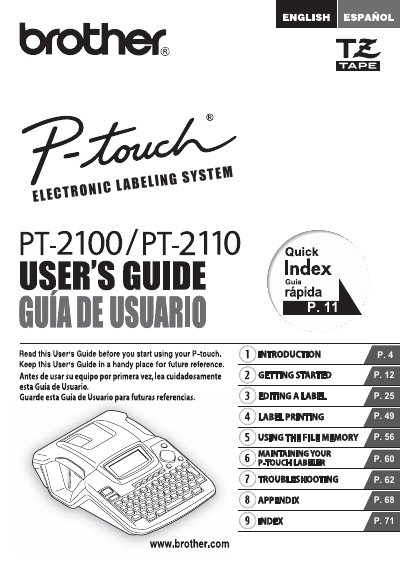
brother PT-2100/PT-2110 user manual
This document serves as the user guide for the Brother P-touch PT-2100/2110 Electronic Labeling System. It outlines the product's intended use, safety precautions, and operational procedures for creating and printing electronic labels.
The manual also includes a comprehensive one-year limited warranty statement specific to the United States market. This section details what is covered under the warranty, including machines, consumables, and accessories, as well as exclusions such as physical damage or misuse.
All Brother PT-2100 documents by type
Day-to-day operation, settings and troubleshooting. Start here if the product is already set up.
Questions answered in these manuals
Who is covered under the Brother warranty?
The limited warranty applies only to the original end-use/retail purchaser of the product, consumables, and accessories.
What is the length of the warranty period for the machine?
The warranty covers machines for one year from the original purchase date.
What voltage should be used with the AC adapter?
Only the rated voltage of 220 V may be used with the AC adapter.
Can the PT-2100 be connected to a computer?
Yes, the PT-2100 can be connected to a computer and used with the dedicated software to edit and print labels.