
Key facts
Start here
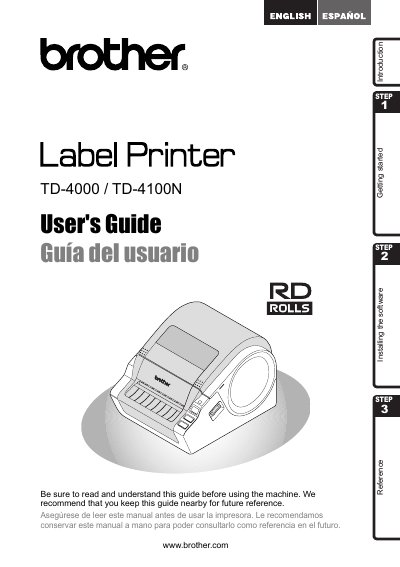
Brother TD-4000/TD-4100N Label Printer User's Guide
This document serves as a quick start guide for the Brother TD-4000/TD-4100N label printer. It outlines the initial steps to begin using the device and directs users to the full User's Guide for detailed information. The guide also includes a Federal Communications Commission (FCC) Declaration of Conformity and a One Year Limited Warranty for products purchased in the United States.
Read onlineBrother TD-4000 specifications
| Label material type | pre‑cut or continuous |
|---|---|
| Print material width | 0.7" – 4.16" (19 mm – 105.6 mm) |
| Label width | 0.6" – 4" (15 mm – 101.6 mm) |
| Spacing between labels | 0.12" (3 mm) |
| Label thickness (no adhesive) | 0.003" – 0.006" (0.08 mm – 0.155 mm) |
| Label thickness (with adhesive) | 0.003" – 0.007" (0.08 mm – 0.170 mm) |
| External roll diameter | 4" (101.6 mm) |
All Brother TD-4000 documents by type
Day-to-day operation, settings and troubleshooting. Start here if the product is already set up.
Questions answered in these manuals
What is the purpose of this guide?
This guide describes how to create labels using the P-touch Editor software installed on a computer connected to the machine.
What happens if you ignore the information symbols in this guide?
Ignoring them may result in injury, damage, or failed operations.
Where can I find the full User's Guide?
The User's Guide can be found in the Manuals folder of the included CD-ROM.
What is the warranty period for the product?
The product and accompanying accessory items are covered by a one-year limited warranty from the original purchase date.
What warranty does the Brother TD-4000/TD-4100N have?
It includes a one‑year limited warranty for the product and accessories, and a 90‑day warranty for consumable items.
How can I register my Brother TD-4000/TD-4100N?
Register online at http://registermybrother.com/ after purchase.