
This is a user manual for DCP-130C
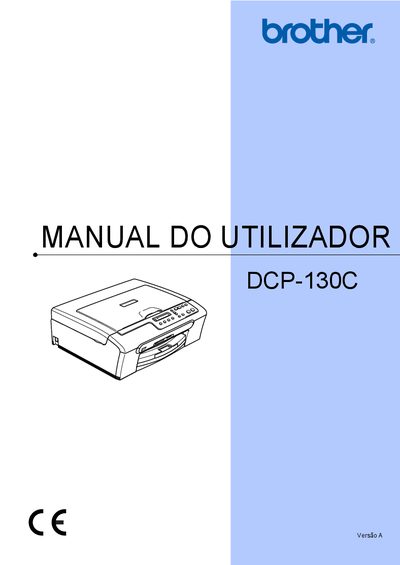
This manual covers all aspects of using the Brother DCP-130C multifunction copier‑printer, including safety information, registration, loading paper, copying, and printing photos directly from memory cards or via PictBridge. It also explains the software functions and provides detailed troubleshooting steps.
Additional sections describe routine maintenance tasks such as cartridge replacement, cleaning the scanner and print head, and how to access the device’s serial number for warranty registration. The CE Declaration confirms compliance with relevant EU directives. This manual is written in Portuguese.
| Model | DCP-130C |
|---|
Register the product online at http://www.brother.com/registration/.