
Key facts
Start here
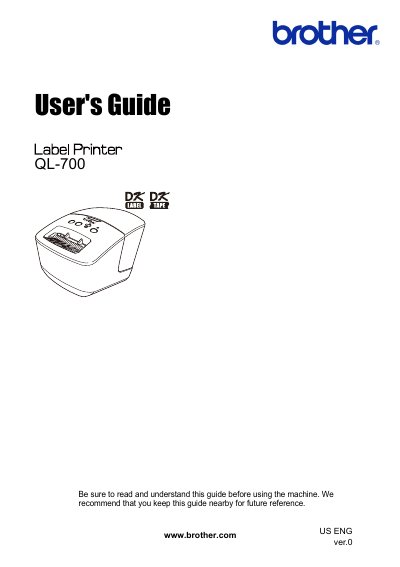
Brother QL-700 Label Printer User Manual
This guide provides instructions for the Brother QL-700 label printer, including maintenance procedures for the print head and rollers, as well as troubleshooting steps for common issues like printing errors and jams. It details how to clean the machine using optional Brother cleaning sheets and ethanol or isopropyl alcohol for the label outlet.
Read onlineBrother QL-700 specifications
| Print head resolution | 300 dpi/720 dot |
|---|---|
| Max printing width | 2.3" (59 mm) |
| Max printing length | 39.37" (1 m) |
| Interface | USB |
| Operating temperature | 50°F to 95°F (10°C to 35°C) |
All Brother QL-700 documents by type
Day-to-day operation, settings and troubleshooting. Start here if the product is already set up.
Questions answered in these manuals
What power source is required to operate this machine?
You must use an authorized power source of 120 AC.
How should you clean the surface of the machine?
Use a soft dry cloth to avoid damaging the finish.
How do I clean the roller?
Use the optional Brother cleaning sheet. Insert the sheet into the printing unit and press the Feed button for more than one second to spin the roller.
What should I do if the label outlet is clogged with glue?
Remove the power cord and clean the label outlet with a cloth dipped into ethanol or isopropyl alcohol.