
Key facts
Start here
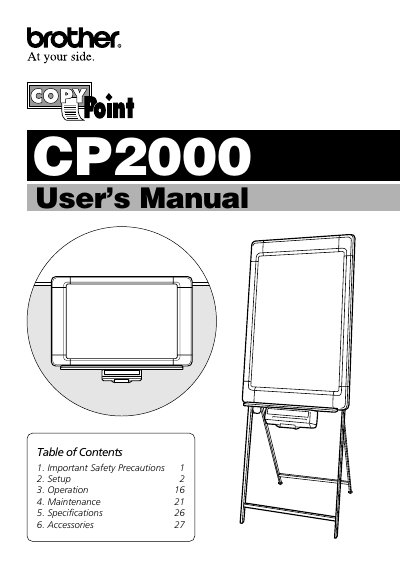
Brother CP2000 Copyboard User's Manual
The Brother CP2000 copyboard is designed for easy operation and can be set up on a stand, partition, or wall. The manual covers safety precautions, including proper electrical usage and handling of the AC adaptor, as well as setup instructions for the stand and wall mounting options.
Read onlineBrother CP-2000 specifications
| Total Panel Size | 35.4" x 23.6" |
|---|---|
| Number of Panels | 2 |
| Printing Method | Thermal |
| Copy Size | Letterhead, 8.5" x 11" |
| Copy Speed | Up to 18 seconds. |
| Power (Operating) | 25W |
Source: Brother CP-1800/CP-2000 CopyPoint White Board User's Guide
All Brother CP-2000 documents by type
Day-to-day operation, settings and troubleshooting. Start here if the product is already set up.
Questions answered in these manuals
Where can I find the serial number?
The serial number is located on the back of the unit.
What type of AC adaptor should be used?
Only the enclosed AC adaptor (LG2286001) should be used.
Does the CP-1800 require a PC to operate?
No, the device does not require a PC; it functions independently with its built-in printer.
From: Brother CP-1800/CP-2000 CopyPoint White Board User's Guide
What paper size is supported for printing?
The printer supports letterhead or 8.5" x 11" paper sizes.
From: Brother CP-1800/CP-2000 CopyPoint White Board User's Guide