
Key facts
- Brand
- Brother
- Model
- DCP-110C
- Category
- All-in-one printer
- Industry
- Computers
- Documents
- 5
- Languages
- EN · ZH
- Last added
- 2012-06-07
Start here
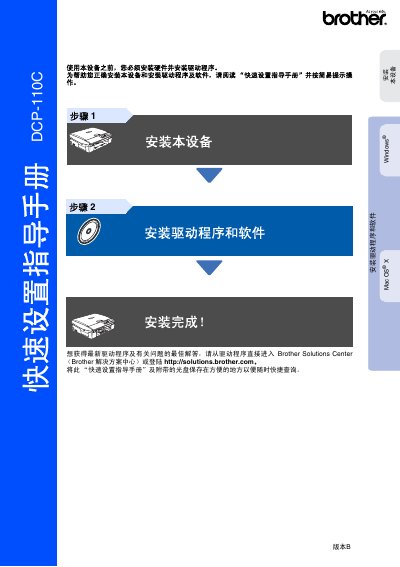
Brother DCP-110C Quick Set Service Manual
This manual guides users through setting up the Brother DCP‑110C multifunction printer, covering safety precautions, hardware assembly, and initial configuration.
It includes detailed steps for installing the power cord, loading paper, installing ink cartridges, connecting via USB, and installing drivers for Windows and Mac OS X. This manual is written in Chinese.
Brother DCP-110C specifications
| Legacy Interface | USB 1.1 |
|---|---|
| Supported Windows OS | Windows 98/98SE/Me/2000 Professional |
| Supported Mac OS | Mac OS X 10.2.4 or later |
| Ink Cartridge Models | LC950BHK, LC950M, LC950Y, LC950C |
All Brother DCP-110C documents by type
Day-to-day operation, settings and troubleshooting. Start here if the product is already set up.
The shortest path to a working setup, usually only a few pages.
Questions answered in these manuals
What is the serial number location on the DCP?
The serial number is located on the back of the unit.
What is the recommended temperature range for the DCP?
The DCP should be placed where the temperature remains between 10° and 35°C.
Which operating systems are supported?
The printer works with Windows 98/98SE/Me/2000 Professional and Mac OS X 10.2.4 or later.
What safety warnings are included?
The manual lists warnings that must be followed to avoid personal injury and damage to the device.
What is the black copy speed of the DCP‑110C?
The DCP‑110C can copy up to 17 pages per minute in black on A4 paper.
Which ink cartridges are used by the Mini2DCP‑FM7.0?
It uses separate black, cyan, magenta, and yellow cartridges: LC950BK, LC950C, LC950M, and LC950Y.