
Key facts
- Brand
- Brother
- Model
- MFC-685CW
- Documents
- 5
- Languages
- EN · ZH
- Last added
- 2012-03-16
Start here
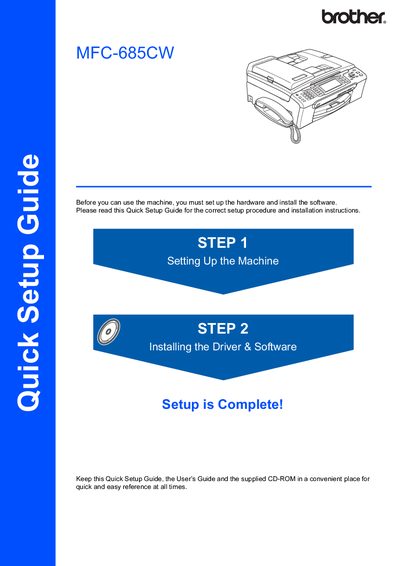
Brother MFC-685CW Quick Setup Guide
The Quick Setup Guide provides step‑by‑step instructions for preparing the Brother MFC‑685CW printer for first use. It explains how to remove protective parts, load paper, connect power, and install the supplied ink cartridges.
The guide also details driver and software installation for Windows, Mac, and network environments, including USB, wired Ethernet, and wireless setup using SecureEasySetup™ or AOSS™. Network configuration utilities such as BRAdmin Light are described, and safety warnings are highlighted throughout.
Brother MFC-685CW specifications
| Maximum paper capacity | 100 sheets of 80 gsm paper |
|---|---|
| USB cable requirement | USB 2.0 cable, max 2 m length |
| Power source | Standard grounded AC outlet |
All Brother MFC-685CW documents by type
Day-to-day operation, settings and troubleshooting. Start here if the product is already set up.
The shortest path to a working setup, usually only a few pages.
Questions answered in these manuals
How do I load paper into the MFC‑685CW?
Use the Loading Documents and Paper section to load paper, envelopes, or photo paper via the ADF or scanner glass.
How can I send a fax from the scanner glass?
Select Fax mode, then choose the option to fax from the scanner glass as described in the Fax Operations section.
How many sheets of paper can the MFC‑685CW hold?
It can hold up to 100 sheets of 80 gsm paper.
Which USB cable should be used with the printer?
Use a USB 2.0 cable no longer than 2 metres.
How should I clean the external surface of the printer?
Use a soft cloth with a neutral cleaner; avoid solvents, ammonia, or alcohol, which can damage the surface.
What should I do if the ink cartridge runs out of ink?
Do not remove the cartridge unless replacement is needed; removing it prematurely can cause the printer to lose ink level detection.