
DCP-130C printer user manual, including product features, installation, operation and maintenance information
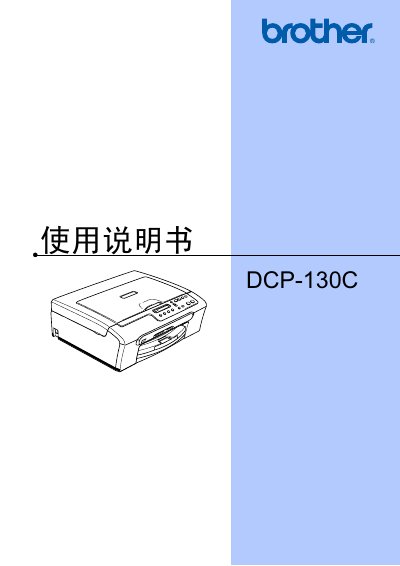
This manual covers the basic operation of the Brother DCP-130C multifunction printer, including how to load paper, envelopes and other media, use the copy and scan functions, and print photos directly from memory cards. It also explains recommended use of original Brother ink cartridges and provides safety guidelines.
Additional sections describe software installation, PictBridge photo printing, troubleshooting, routine maintenance, and technical specifications. The manual is written in Chinese and includes references to the accompanying software user guide on the supplied CD.
| Supported media | paper, envelopes, other media |
|---|
Brother recommends using original Brother ink cartridges; using other brands is not recommended and any damage caused is not covered under warranty.
See the "更换墨盒" section on page 55 for step‑by‑step instructions on replacing the ink cartridge.