
Key facts
- Brand
- Brother
- Model
- FAX-1940CN
- Category
- All-in-one printer
- Industry
- Computers
- Documents
- 2
- Languages
- EN
- Last added
- 2012-07-02
Start here
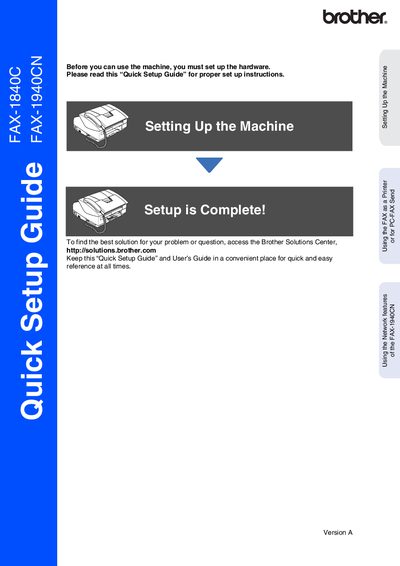
Brother FAX-1840C/1940CN Quick Setup Guide
This document serves as a Quick Setup Guide for the Brother FAX-1840C and FAX-1940CN models. It outlines the essential steps required to set up the machine before use, including removing protective parts, installing the handset, loading paper, connecting power and telephone lines, and installing ink cartridges.
Read onlineAll Brother FAX-1940CN documents by type
Day-to-day operation, settings and troubleshooting. Start here if the product is already set up.
The shortest path to a working setup, usually only a few pages.
Questions answered in these manuals
How do I connect the telephone line?
Connect one end of the telephone line cord to the jack on the machine marked LINE and the other end to a modular wall jack.
What type of power outlet is required for the machine?
The machine must be connected to a grounded or earthed plug.
Where can I find the latest software and utilities for my Brother product?
You can download the latest software and utilities from the Brother Solutions Center at http://solutions.brother.com.
From: brother FAX-1840C FAX-1940CN MFC-3240C MFC-3340CN user manual
How do I register my new Brother product?
You can register your new product on-line at http://www.brother.com/registration or by faxing the Warranty Registration And Test Sheet.
From: brother FAX-1840C FAX-1940CN MFC-3240C MFC-3340CN user manual