
Key facts
- Brand
- Brother
- Model
- DCP-8060
- Category
- All-in-one printer
- Industry
- Computers
- Documents
- 3
- Languages
- EN · ZH
- Last added
- 2012-07-02
Start here
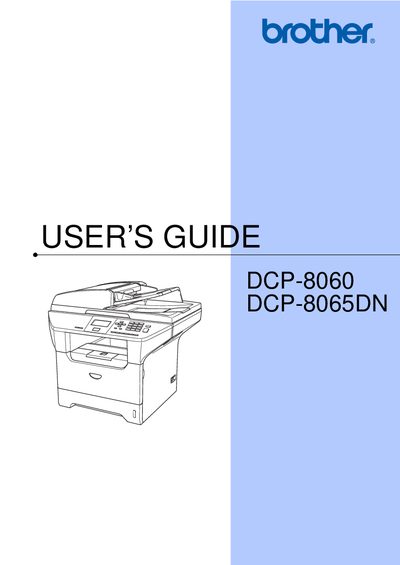
Brother DCP-8060 DCP-8065DN User's Guide
This document is the User's Guide for the Brother DCP-8060 and DCP-8065DN multifunction devices. It includes information on registering the product, contacting customer service, and ordering accessories. The guide also details the Brother Three-Year Limited Warranty and Exchange Service for these models in the USA.
Read onlineBrother DCP-8060 specifications
| Toner Cartridge TN-550 Yield | Prints approx. 3,500 pages |
|---|---|
| Toner Cartridge TN-580 Yield | Prints approx. 7,000 pages |
| Drum Unit Model | DR-520 |
All Brother DCP-8060 documents by type
Day-to-day operation, settings and troubleshooting. Start here if the product is already set up.
Questions answered in these manuals
Where can I register my Brother product?
You can register your product on-line at http://www.brother.com/registration.
What is the warranty period for the machine?
Machines have a two-stage warranty: 2 years from the original purchase date and an additional warranty up to 3 years from the original purchase date.
How do I register my Brother DCP-8060/DCP-8065DN?
Register the product online at http://www.brother.com/registration.
How can I contact Brother customer service in the USA?
Call 1‑800‑284‑4329 for voice support or 1‑901‑379‑1215 for fax.
How do I replace the toner cartridge?
Replace the toner cartridge with a TN‑3135 or TN‑3175 model as described in the maintenance section.
How do I replace the drum unit?
Remove the old drum unit and install a new DR‑3150 unit according to the instructions.