
Key facts
Start here
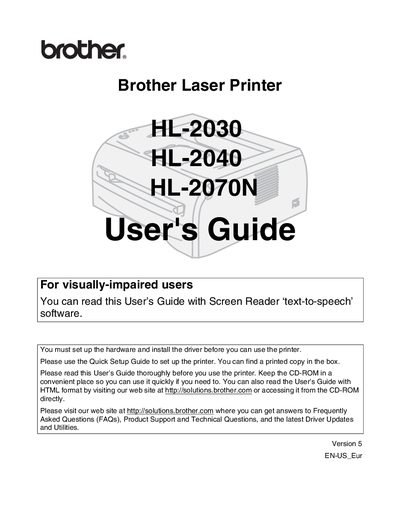
Brother HL-2030/HL-2040/HL-2070N User Manual
This guide covers everything you need to know to set up and use the Brother HL‑2030, HL‑2040, and HL‑2070N laser printers. It includes safety precautions, hardware installation, driver installation, and basic operation such as loading paper, printing in portrait or landscape, and duplex printing.
The manual also details maintenance tasks, troubleshooting, and optional accessories like network and wireless print servers. It explains how to clean the printer safely, replace consumables, and configure network settings for each model.
Brother HL-2030 specifications
| Print speed | up to 16 ppm |
|---|---|
| Resolution | 1200 dpi (2,400 × 600) |
| First print time | Less than 10 seconds |
| Paper tray capacity | 250 sheets |
| Manual feed | single sheet |
| Duplex printing | Manual duplex supported |
| Power consumption (printing) | Less than 450 W |
| Power consumption (standby) | Less than 70 W |
| Noise level (printing) | Less than 51 dB(A) |
| Dimensions (W × D × H) | 371 × 361 × 165.5 mm |
All Brother HL-2030 documents by type
Day-to-day operation, settings and troubleshooting. Start here if the product is already set up.
Disassembly, diagnostics and part numbers, for repair.
Questions answered in these manuals
How do I connect the Brother HL-2030 to a computer?
Connect the printer to the computer with the supplied USB cable and run the installation CD to install the appropriate driver for Windows, macOS, or Linux.
Does the HL-2030 support duplex printing?
Yes, the printer supports manual duplex printing.
What printer models are covered by this service manual?
The manual covers the HL‑2030, HL‑2032, HL‑2040, and HL‑2070N models.
Which chapter contains troubleshooting information?
Troubleshooting is covered in Chapter 7.
How should I clean the printer safely?
Turn off the power switch, unplug the printer, and use a dry, lint‑free cloth; do not use a vacuum cleaner or flammable substances.
What type of interface cable can I use and are there length limits?
Use the appropriate cable (USB, Parallel, or Network) and do not exceed 6 feet (2 m) in length; USB cables must not be connected to non‑powered hubs.