
Key facts
- Brand
- Brother
- Model
- PT-1180
- Category
- Other Computer Accessories
- Industry
- Computers
- Documents
- 2
- Languages
- EN
- Last added
- 2012-07-02
Start here
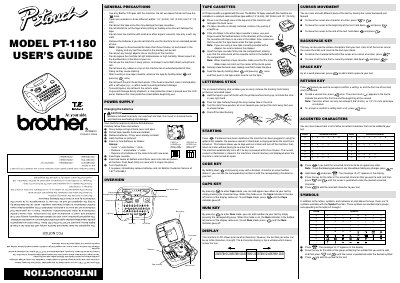
Brother PT-1180 Label Maker User's Guide
The Brother PT-1180 is a thermal transfer label maker designed for creating custom labels in offices, factories, labs, or homes. It supports three different tape widths (1/4", 3/8", and 1/2") and allows users to print with various colors and styles using compatible Brother TZ tapes.
The manual details how to install batteries (requiring six alkaline AAA batteries) and replace the tape cassette. It also explains key functions such as cursor movement, backspacing, entering accented characters, inserting symbols, and switching between Caps and Num modes.
Brother PT-1180 specifications
| Battery Type | 6 alkaline AAA batteries |
|---|---|
| Tape Widths Supported | 1/4" (6 mm), 3/8" (9 mm) and 1/2" (12 mm) |
| Display Capacity | One row of 8 characters; text up to 55 characters |
| Auto Shut-off Time | Five minutes |
All Brother PT-1180 documents by type
Day-to-day operation, settings and troubleshooting. Start here if the product is already set up.
Questions answered in these manuals
What type of batteries does the PT-1180 use?
The machine requires six alkaline AAA batteries.
Can I use any brand of tape with this label maker?
No, you must only use Brother TZ tapes that have the specific mark.
How do I change the batteries?
The PT‑1180 uses six AAA alkaline batteries. Open the back cover, remove the old batteries, insert the new ones with the “+” ends first, and close the cover.
Can I print two lines of text?
Two lines can be entered only when a 3/8" (9 mm) or 1/2" (12 mm) wide TZ tape is installed.