
Key facts
Start here
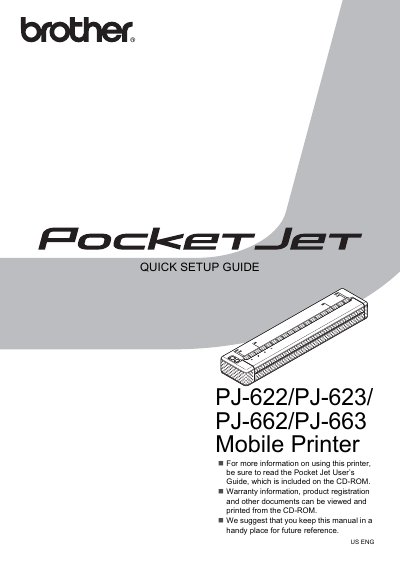
Brother PJ-622/PJ-623/PJ-662/PJ-663 Mobile Printer Quick Setup Guide
This Quick Setup Guide provides brief instructions for setting up the Brother Pocket Jet mobile printers (models PJ-622, PJ-623, PJ-662, and PJ-663). It covers essential steps such as connecting the AC power adapter, installing the rechargeable Ni-MH battery, and preparing the printer for use.
Read onlineBrother PJ-662 specifications
| Power Supply (AC) | 100 - 240 VAC, 50 - 60 Hz |
|---|---|
| Power Supply (DC) | 12 V DC |
| Ni-MH Battery Print Capacity | About 70 pages |
| Ni-MH Battery Charge Time | Up to 120 minutes |
Source: Brother PJ-622/PJ-623/PJ-662/PJ-663 Mobile Printer User's Guide
All Brother PJ-662 documents by type
Day-to-day operation, settings and troubleshooting. Start here if the product is already set up.
The shortest path to a working setup, usually only a few pages.
Questions answered in these manuals
What voltage range is required for the AC power outlet?
The printer must be connected to an AC power outlet that provides a voltage between 100 and 240 VAC.
From: Brother PJ-622/PJ-623/PJ-662/PJ-663 Mobile Printer Quick Setup Guide
What happens if the rechargeable battery overheats?
The battery contains a heat sensor that stops the flow of electricity if it gets too hot.
From: Brother PJ-622/PJ-623/PJ-662/PJ-663 Mobile Printer Quick Setup Guide
What is the maximum charge time for the Ni-MH battery?
It takes up to 120 minutes to fully charge a rechargeable Ni-MH battery.
From: Brother PJ-622/PJ-623/PJ-662/PJ-663 Mobile Printer User's Guide
How many pages can be printed on a fully charged Ni-MH battery?
A new, fully-charged rechargeable Ni-MH battery can print about 70 pages.
From: Brother PJ-622/PJ-623/PJ-662/PJ-663 Mobile Printer User's Guide