
Key facts
Start here
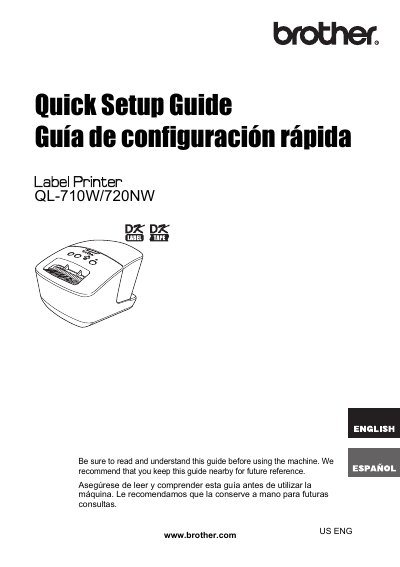
Brother QL-710W/720NW Label Printer Quick User Manual
This document serves as a quick reference guide for the Brother QL-710W and QL-720NW label printers. It outlines the initial steps required to begin using the device and directs users to the comprehensive User's Guide located on the included CD-ROM for detailed operating procedures.
The manual also includes important regulatory information, such as FCC compliance statements for Class B digital devices in the USA, and notes that the product supports specific versions of Windows and Mac OS X. Additionally, it provides details regarding the International ENERGY STAR Compliance Statement.
Brother QL-710W specifications
| Interface Cable Type | USB cable |
|---|---|
| Serial Cable Type | RS-232C cable |
| Network Cable Type | Category5 (or greater) twisted-pair cable |
| Maximum Cable Length | 2 metres |
All Brother QL-710W documents by type
Day-to-day operation, settings and troubleshooting. Start here if the product is already set up.
The shortest path to a working setup, usually only a few pages.
Questions answered in these manuals
How do I reset the printer to factory settings?
Press and hold the Cut button while holding down the ON/OFF button when the machine is turned off. When the Wi-Fi lamp starts flashing and the Status lamp lights orange, press the Cut button six times while continuing to hold down the ON/OFF button.
What should I do if the printed bar code cannot be read?
Set the label vertical to the print head as shown below. Some types of scanner are not able to read the bar code. Try using another scanner. We recommend printing the Bar code with Print Quality options set to “Give priority to print quality”.
What operating systems does this label printer support?
The printer supports Windows XP, Windows Vista, Windows 7, Windows Server 2003, Windows Server 2008, and Mac OS X 10.5.8 through 10.7.
How long is the warranty for the machine and its accessories?
Machines are covered for two years from the original purchase date, while consumable and accessory items have a 90-day coverage period.
Which interface cables are not standard accessories?
RS-232C cable and Network cable are not standard accessories.
What is the maximum length for an RS-232C cable?
Do not use an interface cable that is longer than 2 meters.