
Key facts
Start here
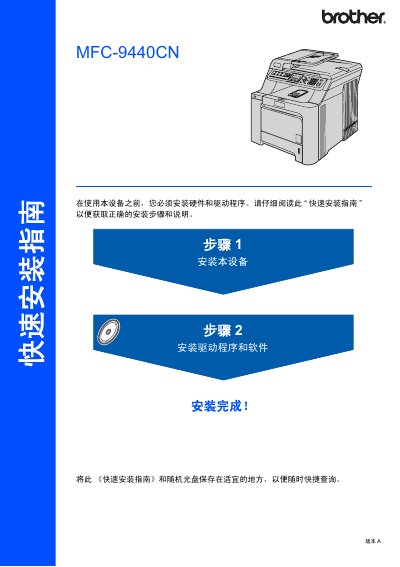
Brother MFC-9440CN Quick Installation Guide
This quick installation guide provides step‑by‑step instructions for setting up the Brother MFC-9440CN printer. It includes unpacking, installing toner cartridges, loading paper, connecting power and telephone lines, and configuring date, time, and network settings.
The guide also details the hardware components supplied in the box, safety warnings, supported operating systems, and cable requirements for USB and Ethernet connections. This manual is written in Chinese.
Brother MFC-9440CN specifications
| Paper Tray 1 Capacity | 250 sheets (80 g/m²) |
|---|---|
| Paper Tray 2 Capacity | 500 sheets (80 g/m²) |
| Supported Paper Sizes | A4, Letter, Legal, Executive, A5, B5, B6, Folio |
| Maximum Paper Size | Folio 8" x 13" |
| Supported Media Types | Plain paper, recycled paper, cardstock, labels |
Source: Brother MFC-9440CN Multifunction Printer User Manual
All Brother MFC-9440CN documents by type
Day-to-day operation, settings and troubleshooting. Start here if the product is already set up.
The shortest path to a working setup, usually only a few pages.
Questions answered in these manuals
How do I load paper into the printer?
Insert the appropriate paper into paper tray 1 or tray 2 according to the paper size and type.
How do I clean the scanner glass?
Wipe the scanner glass with a soft, lint‑free cloth to keep it free of dust and smudges.
How do I load paper into the MFC-9440CN / MFC-9450CDN?
Load paper according to the instructions in the "装入纸张和原稿" section of the manual.
How do I connect an external telephone to the printer?
Refer to the "电话和外接设备" section for wiring and setup of external telephone devices.
What operating systems are supported for driver installation?
The guide lists Windows 2000 Professional, Windows XP (including 64‑bit), Windows Vista, and Mac OS X 10.2.4 or later as supported operating systems.
How do I install the printer hardware?
Unpack the printer, install the toner cartridges, load paper into the paper tray, connect the power and telephone cables, and set the date, time, and other basic settings.