
Key facts
- Brand
- Brother
- Model
- PT-1230PC
- Category
- Other Computer Accessories
- Industry
- Computers
- Documents
- 2
- Languages
- EN
- Last added
- 2012-07-02
Start here
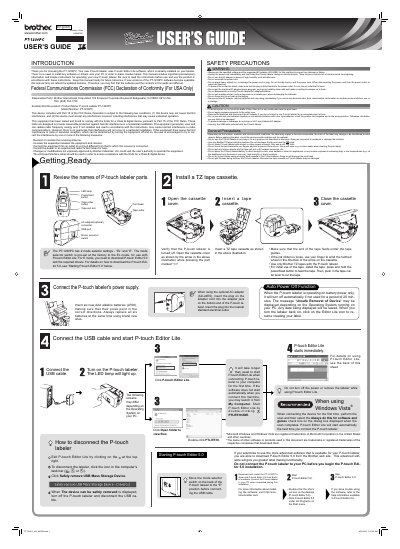
Brother PT-1230PC P-touch Labeler User's Guide
User Manual 2 pages · 3.4 MB · EN
This manual provides important precautionary information and simple instructions for operating the Brother PT-1230PC P-touch labeler. It includes details on using the included P-touch Editor Lite software and connecting the device to a PC. Users are advised to read the instructions before use and keep the manual for future reference.
Read onlineBrother PT-1230PC specifications
| Included Software | P-touch Editor Lite |
|---|---|
| Power Supply (Battery) | Six AAA alkaline batteries (LR03) |
| Compatible Tapes | Brother TZ tapes |
| Auto Power Off Time | 20 minutes |
All Brother PT-1230PC documents by type
User Manual 2
Day-to-day operation, settings and troubleshooting. Start here if the product is already set up.
Questions answered in these manuals
Do I need to install software or drivers on my PC to use the PT-1230PC?
No, the labeler uses P-touch Editor Lite software which is already installed on the device.
What happens if I do not use the labeler on battery power for 20 minutes?
The device will turn off automatically to conserve power.
How many batteries does the PT-1230PC require?
It uses six AAA alkaline batteries (LR03).
What optional AC adapter can be used with the labeler?
The optional AC adapter model AD-24 can be used.