
Key facts
Start here
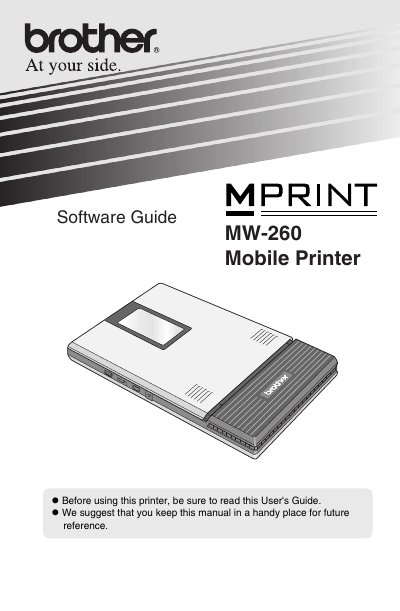
Brother MW-260 Mobile Printer Software User's Guide
User Manual 48 pages · 1.7 MB · EN
This document serves as a user's guide for the Brother MW-260 Mobile Printer, specifically focusing on the software aspects of operation. It details how to install necessary drivers and applications such as P-touch Editor 4.2 and PC(Windows) software via CD-ROM installation on Windows systems.
Read onlineBrother MW-260 specifications
| Processor Requirement (Windows) | Pentium 266 MHz or higher recommended |
|---|---|
| Memory Requirement (Windows) | 64 MB or more recommended |
| Hard Disk Free Space | Minimum 70 MB |
| Interface (Windows) | USB Ver.2.0(Full speed) / Bluetooth ver.1.1 serial port profile |
| Processor Requirement (Pocket PC) | ARM |
All Brother MW-260 documents by type
User Manual 1
Day-to-day operation, settings and troubleshooting. Start here if the product is already set up.
Questions answered in these manuals
What is the default PIN code for Bluetooth connection?
The default PIN code is set to the last four digits of the serial number of the printer.
Which software packages are included in the standard installation?
The standard installation includes P-touch Editor 4.2, P-touch Library 2.0, P-touch Transfer Manager 2.0, and Printer drivers.
How many pages can be printed on a full battery charge?
The printer can print up to 50 pages continuously on a fully charged battery.
What is the print resolution of the MW‑260?
The print resolution is 300 dpi × 300 dpi.