
Key facts
Start here
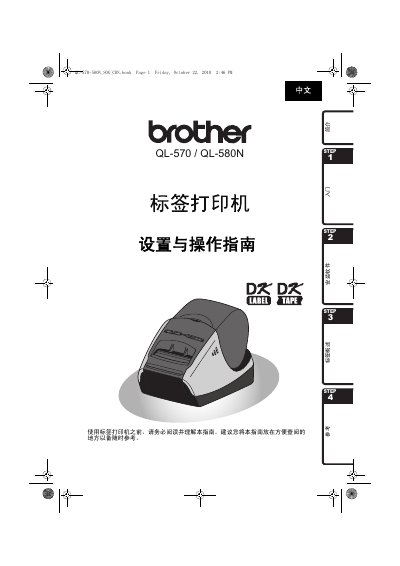
Brother QL-570/580N Label Printer Setup and Operation Guide
This document is the Setup and Operation Guide for the Brother QL-570 and QL-580N label printers. It covers essential steps for getting started, including unboxing, connecting power, installing DK series label ribbons, and setting up the printer with a computer. The guide also includes a section on installing the necessary software for Windows operating systems. This manual is written in Chinese.
Read onlineBrother QL-570/580N specifications
| Print speed | 110 mm/s (max 68 labels/min) |
|---|---|
| Print resolution | 300 dpi |
| Maximum print height | 59 mm |
| Minimum print length | 12.7 mm |
| Power supply | 220‑240 V AC, 50/60 Hz, 0.9 A |
| Dimensions (QL‑570) | 133 mm × 208 mm × 143 mm |
| Dimensions (QL‑580N) | 133 mm × 240 mm × 143 mm |
| Weight (QL‑570) | ≈1.1 kg (without DK tape) |
| Weight (QL‑580N) | ≈1.2 kg (without DK tape) |
| Supported interfaces | USB, RS‑232C, 10/100BASE‑TX Ethernet |
| Operating temperature | 10 °C to 35 °C |
| Operating humidity | 20 % to 80 % (non‑condensing) |
Source: Brother QL-570/580N Label Printer Setup and Operation Guide
All Brother QL-570/580N documents by type
Day-to-day operation, settings and troubleshooting. Start here if the product is already set up.
Questions answered in these manuals
What power supply voltage is required for the Brother QL-570/580N label printer?
The printer requires a power supply of 220V-240V AC.
From: Brother QL-570/580N Label Printer Setup and Operation Guide
What should you do if you notice unusual smells, heat, or discoloration from the printer?
You must immediately unplug the power cord and stop using the label printer.
From: Brother QL-570/580N Label Printer Setup and Operation Guide
What power source does the QL-570/580N require?
It uses a 220‑240 V AC power supply at 50/60 Hz drawing about 0.9 A.
From: Brother QL-570/580N Label Printer Setup and Operation Guide
Which interfaces are available on the QL-580N model?
The QL-580N provides USB, RS‑232C, and 10/100BASE‑TX Ethernet ports.
From: Brother QL-570/580N Label Printer Setup and Operation Guide