
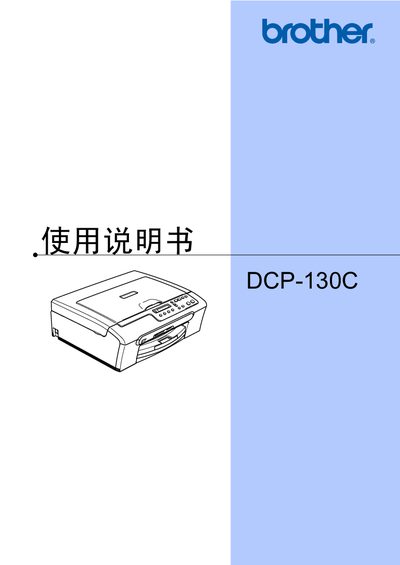
This manual covers the Brother DCP-130C multifunction inkjet printer, describing its features, supported media, and basic operation. It includes sections on loading paper and media, using the control panel, copying, direct photo printing, PictBridge, and software integration.
The guide also details safety warnings, troubleshooting, routine maintenance such as cleaning the print head and rollers, and provides technical specifications like memory, power consumption, and dimensions. Users can find step‑by‑step procedures for changing ink cartridges, resolving common errors, and configuring language settings. This manual is written in Chinese.
| Memory capacity | 16 MB |
|---|---|
| Paper tray capacity | 100 sheets |
| Supported paper weight | 80 g/m² (20 lb) |
| Printer type | Inkjet printer |
| LCD display characters per line | 10 Chinese characters × 1 line |
| Power supply | AC 220‑240 V, 50/60 Hz |
| Weight | 7.1 kg (15.6 lb) |
| Noise level (running) | ≤50 dB |
| Operating temperature range | 10‑35 °C (50‑95 °F) |
| Operating humidity range | 20‑80 % (non‑condensing) |
The paper tray can hold up to 100 sheets.
The printer has a memory capacity of 16 MB.
Refer to the section on page 55 titled “更换墨盒” for cartridge replacement instructions.