
Key facts
- Brand
- Brother
- Model
- DCP-7025
- Category
- All-in-one printer
- Industry
- Computers
- Documents
- 5
- Languages
- ZH · EN
- Last added
- 2011-09-21
Start here
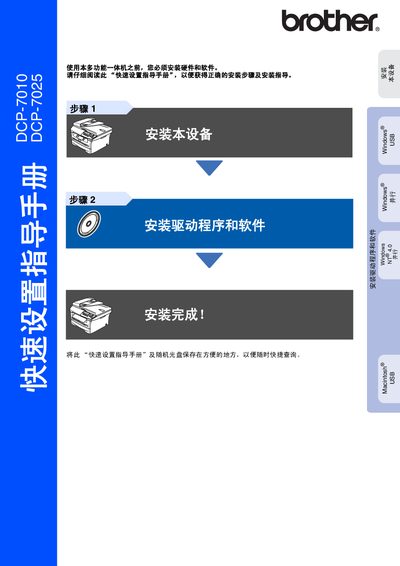
Brother DCP-7010/DCP-7025 Quick Setup Guide
The guide begins with safety precautions, describing how to avoid electric shock, high‑temperature surfaces, and laser hazards. It also lists the required power and data cables, their colors, and the maximum cable length.
Subsequent sections cover installing the toner cartridge, loading paper, and connecting the device to a computer. Detailed driver and software installation steps are provided for Windows, Mac OS, and parallel‑port setups, followed by basic operation instructions for copying, scanning, and printing. This manual is written in Chinese.
Brother DCP-7025 specifications
| Laser wavelength | 770‑810 nm |
|---|---|
| Laser class | 3B |
| Operating voltage | 220‑240 V |
All Brother DCP-7025 documents by type
Day-to-day operation, settings and troubleshooting. Start here if the product is already set up.
The shortest path to a working setup, usually only a few pages.
Disassembly, diagnostics and part numbers, for repair.
Questions answered in these manuals
How do I install the Brother printer driver on Windows?
Insert the supplied CD or download the driver from the Brother Solutions Center, then run the installation program to install the driver for Windows.
From: Brother DCP-7010, DCP-7025, MFC-7220, MFC-7420 Software User Manual
Can the DCP‑7010 or DCP‑7025 print while sending a fax?
Printing continues while a fax is being sent, but printing pauses when the device is receiving a fax or copying.
From: Brother DCP-7010, DCP-7025, MFC-7220, MFC-7420 Software User Manual
How should I disconnect the power safely?
Turn off the power switch and unplug the power cord from the outlet.
What is the maximum length for the USB or parallel cable?
Cables must not be longer than 2 meters.
Which printer models are covered by this manual?
The manual covers the Brother DCP-7010 and DCP-7025 models.
Who holds the copyright for this document?
Brother Industries, Ltd. holds the copyright.