
Key facts
Start here
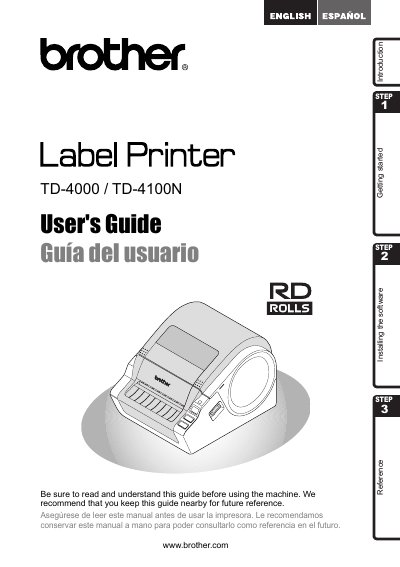
Brother TD-4000/TD-4100N Label Printer User's Guide
This document serves as a quick start guide for the Brother TD-4000/TD-4100N label printer. It outlines the initial steps to begin using the device and directs users to the full User's Guide for detailed information. The guide also includes a Federal Communications Commission (FCC) Declaration of Conformity and a One Year Limited Warranty for products purchased in the United States.
Read onlineBrother TD-4100N specifications
| Label material type | pre‑cut or continuous |
|---|---|
| Print material width | 0.7" – 4.16" (19 mm – 105.6 mm) |
| Label width | 0.6" – 4" (15 mm – 101.6 mm) |
| Spacing between labels | 0.12" (3 mm) |
| Label thickness (no adhesive) | 0.003" – 0.006" (0.08 mm – 0.155 mm) |
| Label thickness (with adhesive) | 0.003" – 0.007" (0.08 mm – 0.170 mm) |
| External roll diameter | 4" (101.6 mm) |
All Brother TD-4100N documents by type
Day-to-day operation, settings and troubleshooting. Start here if the product is already set up.
Questions answered in these manuals
Where can I find the full User's Guide?
The User's Guide can be found in the Manuals folder of the included CD-ROM.
What is the warranty period for the product?
The product and accompanying accessory items are covered by a one-year limited warranty from the original purchase date.
What warranty does the Brother TD-4000/TD-4100N have?
It includes a one‑year limited warranty for the product and accessories, and a 90‑day warranty for consumable items.
How can I register my Brother TD-4000/TD-4100N?
Register online at http://registermybrother.com/ after purchase.