
Key facts
Start here
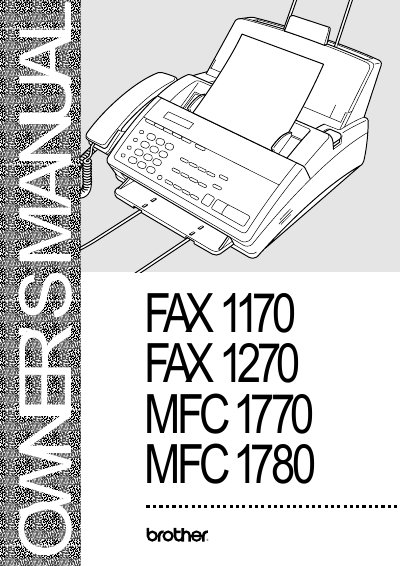
Brother FAX 1170/1270/MFC 1770/1780 Owner's Manual
This document serves as the Owner's Manual for Brother FAX 1170, FAX 1270, MFC 1770, and MFC 1780 models. It covers essential setup procedures including assembly, connecting telephone lines, installing recording paper, and configuring fax settings such as date/time and dialing modes.
The guide details basic and advanced operations for sending and receiving faxes, utilizing features like speed dialing, distinctive ring, polling, and remote retrieval. It also includes sections on telephone operation, printing reports, maintenance, troubleshooting common error messages, and ordering genuine accessories.
Brother FAX1170 specifications
| Modem speed | 14400/12000/9600/7200/4800/2400 bps |
|---|---|
| Memory capacity | 512 KB (up to 20 pages) |
| Paper cassette capacity | 200 sheets (20 lb) |
| Resolution | Horizontal 203 dpi, Vertical 98 lines/inch (standard) |
| Power consumption | Standby <10 W, Peak <110 W |
Source: Brother Fax 1170, Fax 1270, MFC 1770, MFC 1780 User Manual
All Brother FAX1170 documents by type
Day-to-day operation, settings and troubleshooting. Start here if the product is already set up.
Questions answered in these manuals
Where can I find customer service numbers?
Customer Service USA: 1-800-284-4329 (voice) or 1-908-575-8790 (fax).
How do I order accessories?
You can visit us online at http://www.brothermall.com or call USA: 1-888-879-3232.
What is the modem speed of the fax machines?
The modem speed ranges from 14400 down to 2400 bps, with automatic fallback for certain models.
From: Brother Fax 1170, Fax 1270, MFC 1770, MFC 1780 User Manual
How much memory does the device have?
It has 512 KB of memory, enough for up to 20 pages of stored fax data.
From: Brother Fax 1170, Fax 1270, MFC 1770, MFC 1780 User Manual