
Key facts
- Brand
- Brother
- Model
- DCP-120C
- Category
- All-in-one printer
- Industry
- Computers
- Documents
- 4
- Languages
- EN · ZH
- Last added
- 2012-06-07
Start here
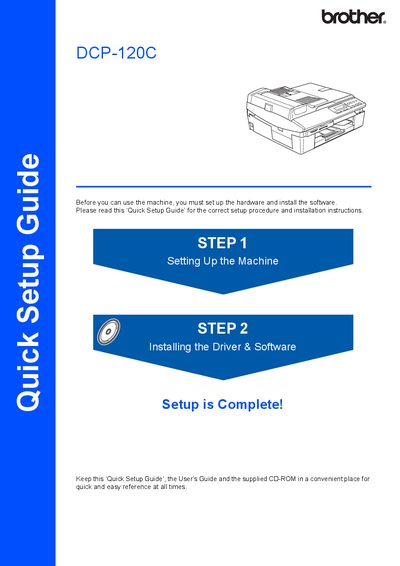
Brother DCP-120C Quick Setup Guide
This document serves as a Quick Setup Guide for the Brother DCP-120C multifunction device. It outlines the initial steps required to prepare the machine for use, such as removing protective parts, loading paper, installing ink cartridges, and connecting power.
The guide also details the installation process for the MFL-Pro Suite driver and software on both Windows and Macintosh operating systems. It includes specific notes regarding USB interface compatibility and cable length requirements.
Brother DCP-120C specifications
| USB interface speed | 12 Mbit/s |
|---|---|
| Maximum USB cable length | 6 feet (2 m) |
| USB compatibility | Works with USB 1.1 computers |
All Brother DCP-120C documents by type
Day-to-day operation, settings and troubleshooting. Start here if the product is already set up.
The shortest path to a working setup, usually only a few pages.
Questions answered in these manuals
How can I register my product?
You can register your product on-line at http://www.brother.com/registration/ or by faxing the registration sheet.
What is covered under the warranty?
The warranty covers defects in materials and workmanship for the Machine, Consumable items (like ink cartridges), and Accessory Items.
What is the maximum length allowed for a USB cable?
The USB cable used must be no longer than 6 feet long (2 meters).
What is the maximum data transfer rate for this machine's interface?
The maximum data transfer rate will be 12 Mbits/s.
What type of USB cable should be used with the DCP‑115C/120C?
Use a USB 2.0 cable that is no longer than 6 feet (2 m).
Can the printer be connected to a USB 1.1 computer?
Yes, the printer can connect to computers with a USB 1.1 interface, though the data rate will be limited.