
Key facts
- Brand
- Brother
- Model
- FAX-1820C
- Category
- Fax machine
- Industry
- Computers
- Documents
- 2
- Languages
- EN
- Last added
- 2012-07-02
Start here
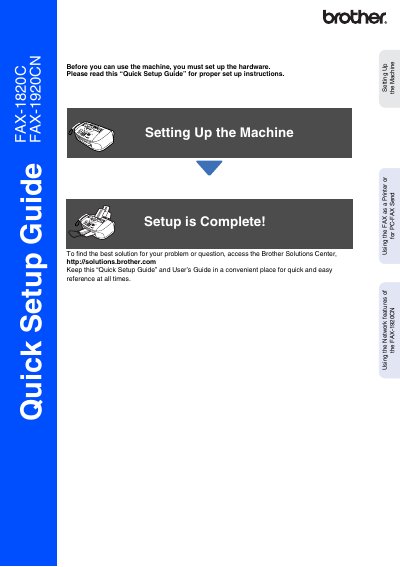
Brother FAX-1820C/FAX-1920CN Quick Setup Guide
This document serves as a Quick Setup Guide for the Brother FAX-1820C and FAX-1920CN models. It outlines the essential steps required to set up the machine before use, including removing protective parts, installing the handset, attaching the paper tray, loading paper, connecting power and telephone lines, and installing ink cartridges.
The guide also covers specific configuration tasks such as setting the date and time, selecting a receive mode (specifically for the FAX-1920CN), and using network features like PC-FAX Send. It includes instructions on how to use the machine as a printer or fax sender via a computer.
Brother FAX-1820C specifications
| Warranty Period (Machine) | one year from the original purchase date |
|---|---|
| Warranty Period (Consumables) | 90 days from the original purchase date |
| Ink Cartridge Black Yield | up to 500 pages |
| Ink Cartridge Cyan Yield | up to 400 pages |
All Brother FAX-1820C documents by type
Day-to-day operation, settings and troubleshooting. Start here if the product is already set up.
The shortest path to a working setup, usually only a few pages.
Questions answered in these manuals
What should I do if ink gets in my eyes?
Irrigate them with water immediately and consult a doctor if irritation occurs.
How do I connect the telephone line?
Connect one end of the cord to the jack marked LINE on the machine and the other end to a modular wall jack.
How do I register my product?
You can register your product on-line at www.registermybrother.com or by faxing the Warranty Registration And Test Sheet.
What is the Brother fax back system number?
In the USA, the number is 1-800-521-2846, which is pre-programmed on One-Touch Key 01.