
Key facts
- Brand
- Brother
- Model
- DCP-115C
- Category
- All-in-one printer
- Industry
- Computers
- Documents
- 2
- Languages
- ZH
- Last added
- 2012-02-10
Start here
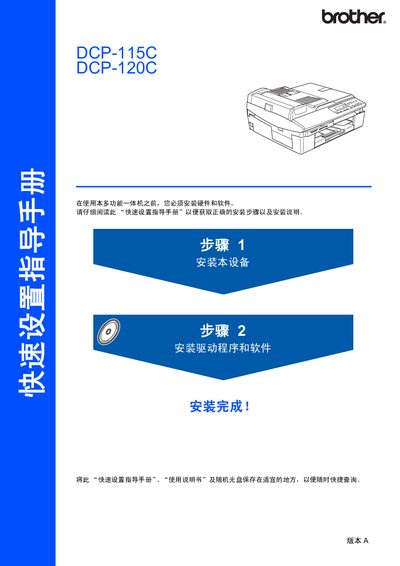
Brother DCP-115C/120C Quick Set Service Manual
The manual begins with safety information and a list of components included in the box, such as the control panel, power cord, and USB cable. It guides users through hardware setup, including removing protective strips, loading paper, and connecting the power cord with a grounded plug.
It then covers software installation, driver setup for Windows and Mac OS, and USB connection details, specifying the required USB 2.0 cable length and data‑transfer limits. The control panel layout and language selection process are illustrated, helping users start printing, copying, and scanning quickly. This manual is written in Chinese.
Brother DCP-115C specifications
| USB interface speed | 12 Mbit/s |
|---|---|
| Maximum USB cable length | 6 feet (2 m) |
| USB compatibility | Works with USB 1.1 computers |
All Brother DCP-115C documents by type
Day-to-day operation, settings and troubleshooting. Start here if the product is already set up.
The shortest path to a working setup, usually only a few pages.
Questions answered in these manuals
What type of USB cable should be used with the DCP‑115C/120C?
Use a USB 2.0 cable that is no longer than 6 feet (2 m).
Can the printer be connected to a USB 1.1 computer?
Yes, the printer can connect to computers with a USB 1.1 interface, though the data rate will be limited.
How many pages can the automatic document feeder hold?
The ADF can hold up to 10 pages, but this feature is only available on the DCP-120C model.
What power source should be used for the printer?
The printer requires a 220‑240 V AC power source at 50/60 Hz.