
Key facts
- Brand
- Brother
- Model
- DCP-7040
- Category
- All-in-one printer
- Industry
- Computers
- Documents
- 4
- Languages
- ES · ZH
- Last added
- 2012-07-02
Start here
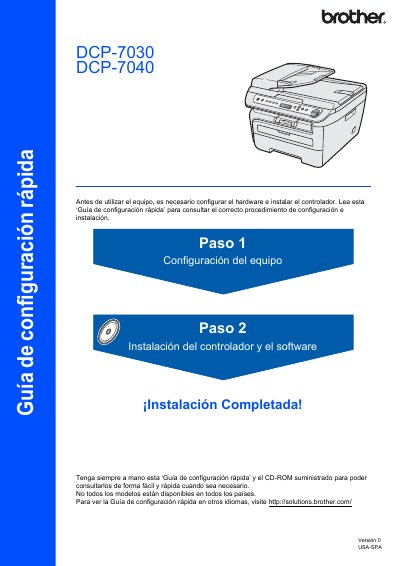
Brother DCP-7030/7040 Quick Start Guide
This document is a Quick Start Guide for the Brother DCP-7030 and DCP-7040 multifunction printers. It provides instructions for initial hardware setup, including installing the drum unit and toner cartridge, loading paper, and connecting the power cable. The guide also covers selecting the language and adjusting the LCD contrast settings. This manual is written in Spanish.
Read onlineAll Brother DCP-7040 documents by type
Day-to-day operation, settings and troubleshooting. Start here if the product is already set up.
The shortest path to a working setup, usually only a few pages.
Questions answered in these manuals
Is the interface cable included in the box?
No, the interface cable is not supplied and must be acquired separately.
Can the USB cable be connected to a keyboard hub?
No, you must connect it to the printer's USB port, not a keyboard or unpowered hub.
How do I allow Brother printing through a firewall?
Configure the firewall to permit traffic on port 137 as described on page 109.
From: Brother MFC-7840N, MFC-7450, MFC-7340, DCP-7040, DCP-7030 User Manual
Can I scan documents directly to email?
Yes, use the Scan to Email function available in the scanning section of the manual.
From: Brother MFC-7840N, MFC-7450, MFC-7340, DCP-7040, DCP-7030 User Manual
How do I install the power cord?
Turn off the power switch, connect the AC power cord to the device, then plug it into a grounded outlet.
What USB cable length should I use?
Use a USB 2.0 cable no longer than 6 feet (2 meters).