
Key facts
- Brand
- Brother
- Model
- FAX-1960C
- Category
- All-in-one printer
- Industry
- Computers
- Documents
- 2
- Languages
- EN
- Last added
- 2012-07-02
Start here
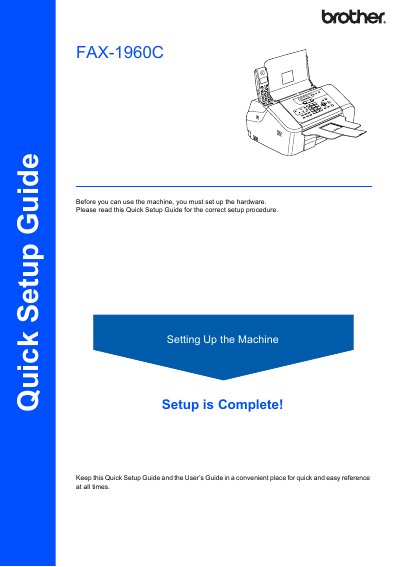
Brother FAX-1960C Quick Setup Guide
This document is a Quick Setup Guide for the Brother FAX-1960C fax machine. It outlines the necessary steps to prepare the device for use, such as removing protective parts, loading paper, connecting phone lines, and installing ink cartridges.
The guide details specific procedures like setting up the paper tray with guides, connecting the telephone line cord to the LINE jack, and powering on the unit before inserting the ink cartridges. It also includes safety warnings regarding ink handling and notes on saving packing materials for potential shipping.
All Brother FAX-1960C documents by type
Day-to-day operation, settings and troubleshooting. Start here if the product is already set up.
The shortest path to a working setup, usually only a few pages.
Questions answered in these manuals
What should I do if I share one phone line with an external answering machine?
Connect the telephone line cord to the jack on the machine marked LINE and set the receive mode to 'Manual'.
Where should I save this guide?
Keep it in a convenient place for quick and easy reference at all times.
How can I register my product with Brother?
You can register your new product on-line at http://www.brother.com/registration/.
What is the warranty period for Brother machines?
Machines are warranted for one year from the original purchase date.