
Key facts
Start here
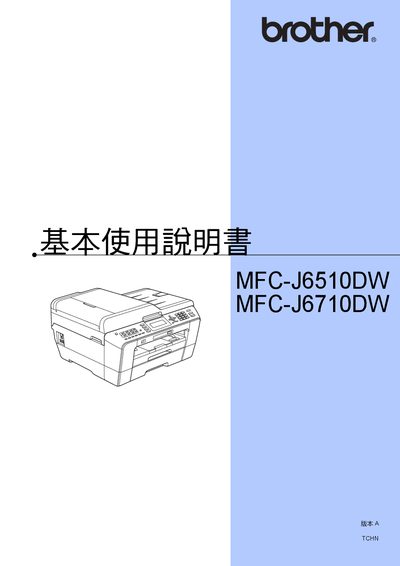
Brother MFC-J6510DW / MFC-J6710DW User Manual
This manual covers the basic and advanced use of the Brother MFC‑J6510DW and MFC‑J6710DW all‑in‑one printers. It includes sections on general information, paper loading, LCD display settings, copying, scanning, fax, network configuration, and phone/VoIP functions.
The guide also provides detailed maintenance steps such as ink‑cartridge replacement, cleaning the print head and scanner glass, and a troubleshooting chapter with error codes and solutions. All instructions are presented in Chinese with reference to the accompanying Quick Start Guide and software manuals. This manual is written in Chinese.
All Brother MFC-J6510DW, MFC-J6710DW documents by type
Day-to-day operation, settings and troubleshooting. Start here if the product is already set up.
Questions answered in these manuals
How do I adjust the ring volume?
Open the Menu, select General Setup, then choose Volume and select Ring. Use the 4 or A keys to set the level (Low, Medium, High, or Off).
How can I restore the printer to factory settings?
Use the Set New Default option and then select "Restore all settings to the factory settings" to return the machine to its original configuration.
How do I load paper into the printer?
Insert the paper according to the instructions in the "装入紙張和其他列印" section.
Where can I find the network setup instructions?
The network configuration details are provided in the "網路使用説明書" section of the manual.