
Key facts
- Brand
- Brother
- Model
- DCP-9040CN
- Category
- All-in-one printer
- Industry
- Computers
- Documents
- 3
- Languages
- EN · ZH
- Last added
- 2012-07-02
Start here
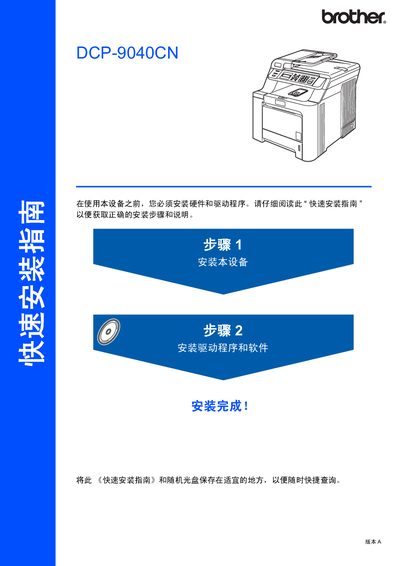
Brother DCP-9040CN Printer Quick Installation Guide
The guide walks you through unpacking the DCP‑9040CN, removing protective materials, installing the toner cartridge, loading paper, and adjusting the LCD contrast. Safety warnings are included to prevent electric shock and high‑temperature injuries.
It also details driver and software installation for Windows and Mac OS, explains how to connect USB or network cables, and shows how to configure the BRAdmin Light utility for network settings. Optional accessories and consumables are listed as well. This manual is written in Chinese.
Brother DCP-9040CN specifications
| Toner Cartridge Yield (Black) | approx. 2,500 pages |
|---|---|
| Toner Cartridge Yield (High Yield Black) | approx. 5,000 pages |
| Warranty Period (Machine) | one year |
Source: Brother DCP-9040CN User's Guide
All Brother DCP-9040CN documents by type
Day-to-day operation, settings and troubleshooting. Start here if the product is already set up.
The shortest path to a working setup, usually only a few pages.
Questions answered in these manuals
How many pages can the standard black toner cartridge print?
The standard black toner cartridge prints approximately 2,500 pages.
What is the warranty period for the machine?
The machine is covered by a one-year warranty from the original purchase date.
What is the copyright year of the manual?
The manual is copyrighted in 2007.
Which printer models are covered by this manual?
The manual covers the Brother DCP-9040CN and DCP-9042CDN models.
How do I install the printer hardware?
Remove the packaging materials, install the toner cartridge, load paper into the paper tray, and adjust the LCD contrast as shown in the step‑by‑step instructions.
What type of network cable should I use?
Use a straight‑through Category 5 (or higher) twisted‑pair cable for 10BASE‑T or 100BASE‑TX Ethernet connections.