
Key facts
Start here
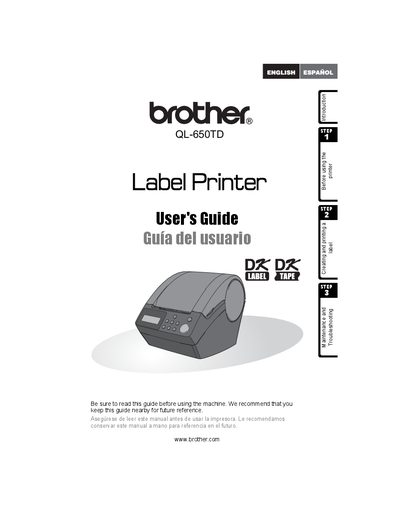
Brother QL-650TD Label Printer User Manual
This guide introduces the Brother QL-650TD label printer, explaining how to create and print labels, install software, and use the built‑in date/time functions. It also covers safety symbols, maintenance steps, and troubleshooting tips.
Additional sections detail warranty coverage, registration, support contacts, and replacement parts. The manual includes bilingual notes and a parts list for accessories such as cutter units and cleaning sheets.
Brother QL-650TD specifications
| Printing method | Direct thermal printing via thermal head |
|---|---|
| Print head resolution | 300 dpi (720 dot) for QL‑500/560; 300 dpi (1296 dot) for QL‑650TD |
| Dimensions (QL‑500/560) | 146 mm (W) × 196 mm (D) × 152 mm (H) |
| Weight (QL‑500/560) | Approx. 1.3 kg (without DK rolls) |
| Cutter type | Automatic cutter on QL‑560; manual cutter on QL‑500; automatic cutter on QL‑650TD/1050/1050N |
Source: Brother QL-500/QL-560/QL-650TD/QL-1050/QL-1050N Label Printer User Manual
All Brother QL-650TD documents by type
Day-to-day operation, settings and troubleshooting. Start here if the product is already set up.
Questions answered in these manuals
How do I uninstall the Brother QL printer driver on Windows?
Turn off the printer, open Control Panel → Printers and Faxes, select the Brother QL model, and choose File → Delete to remove the driver.
From: Brother QL-500/QL-560/QL-650TD/QL-1050/QL-1050N Label Printer User Manual
How long is the warranty for the Brother QL-650TD printer?
The machine is covered for one year from the original purchase date, and consumable accessories are covered for 90 days.
What should I do if the printer causes radio interference?
Try reorienting or relocating the receiving antenna, increasing separation from the receiver, or using a different circuit outlet.