
This guide describes the hardware installation of IK-WR12A network camera. For settings, operations and other information, refer to the user's manual (PDF file) contained in the CD-ROM
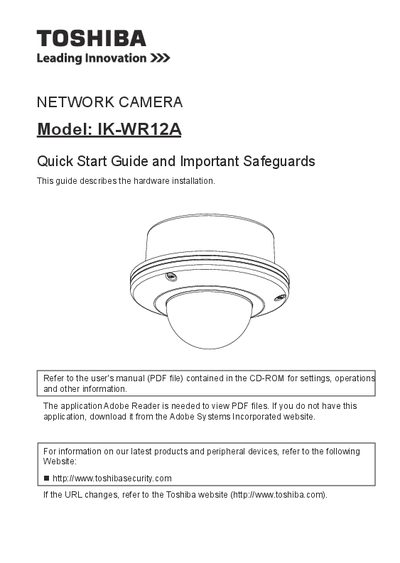
This document serves as a hardware installation quick start guide for the Toshiba IK-WR12A network camera. It provides instructions on setting up the physical environment, installing the device, deploying it on a network, assigning an IP address, retrieving images, and adjusting the lens.
The guide also includes important safety precautions regarding power sources, ventilation, lightning protection, and servicing. Users are directed to refer to the separate user's manual (available on CD-ROM) for detailed settings, operations, and other information not covered in this quick start document.
Refer to the user's manual (PDF file) contained in the CD-ROM.
The application Adobe Reader is required.